Checkout Now Remembers the Last‑Used Payment Method for Signed‑In Customers

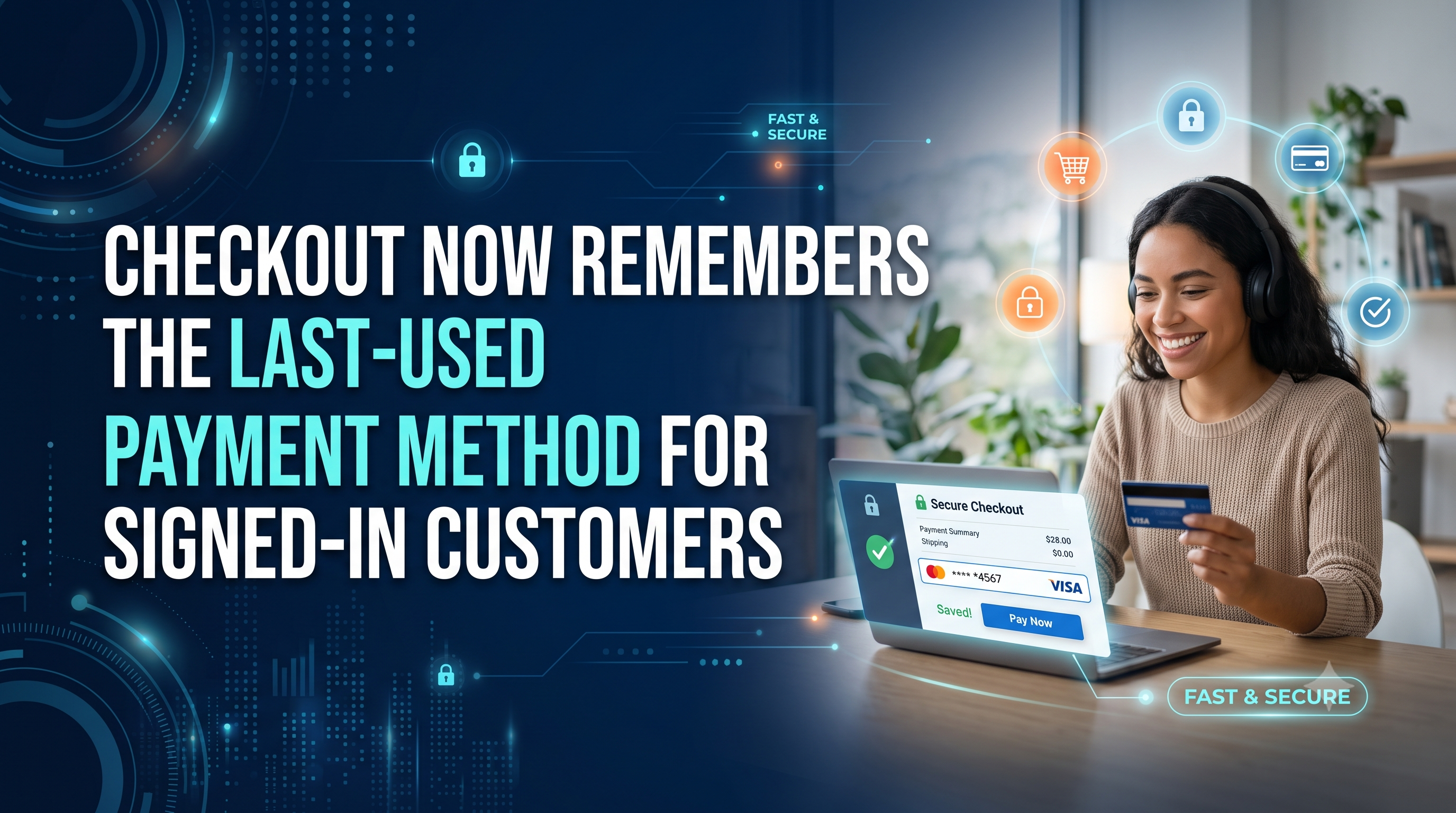
Shopify’s latest checkout enhancement automatically pre‑selects a returning shopper’s previously used payment method, streamlining the purchase flow for D2C and B2B stores. Learn who’s affected, what changes to expect, and how to prepare.

Checkout Now Remembers the Last‑Used Payment Method for Signed‑In Customers
7 sections

Shopify just rolled out a subtle yet powerful tweak to the checkout experience: signed‑in customers will now see their most recent payment method pre‑selected the next time they shop. The change is live for checkout flows that have saved payment methods enabled on Direct‑to‑Consumer (D2C) and Business‑to‑Business (B2B) stores. For merchants and developers, this means a smoother checkout for repeat buyers and a few configuration checks to ensure the feature works as intended.

What’s Changing?

Previously, even logged‑in shoppers had to manually pick a payment method each time they reached the payment step. With the new default, Shopify reads the last successful payment method stored on the customer’s profile and automatically checks that option when the checkout page loads. If the method is still valid (e.g., the card hasn’t expired), it stays selected; otherwise, the shopper sees the standard list of saved methods.

Who Is Affected?

Merchants – Any store that enables “Saved payment methods” for either D2C or B2B checkout flows will see the new behavior automatically. If the feature is turned off, the checkout remains unchanged.

Developers – Themes, apps, or custom checkout extensions that manipulate the payment‑method UI need to verify they aren’t unintentionally overriding the pre‑selection logic. The underlying API remains the same; only the front‑end default changes.

How It Works Behind the Scenes

When a signed‑in customer completes a purchase, Shopify stores the payment_method_id on the customer’s checkout session. On subsequent checkouts, the platform calls the same endpoint that returns the list of saved payment methods, but now adds a default: true flag to the most recent entry. No new API version is introduced, so existing GraphQL or REST calls continue to work.

Example of the response payload (simplified)

{

"saved_payment_methods": [

{

"id": "gid://shopify/PaymentMethod/12345",

"brand": "visa",

"last4": "4242",

"default": true

},

{

"id": "gid://shopify/PaymentMethod/67890",

"brand": "mastercard",

"last4": "1111",

"default": false

}

]

}

Action Items for Merchants

  • Confirm saved payment methods are enabled – In the Shopify admin, go to Settings ▶ Payments ▶ Payment settings and ensure “Allow customers to save payment details” is turned on for both D2C and B2B checkout flows.
  • Test the flow – Log in as a customer, complete an order using a test card, then start a new checkout. You should see the card you just used already selected.
  • Communicate the benefit – Add a short note on your checkout page (e.g., “We’ll use your last saved card for a faster checkout”) to reassure shoppers that their preference is being remembered.
  • Monitor fraud settings – Because the same card is auto‑selected, double‑check that any fraud‑prevention apps you use still trigger verification when needed.
  • Action Items for Developers

  • Theme customizations – If you have JavaScript that manually sets the selected payment radio button, wrap it in a guard that checks for the default flag first. Overriding the pre‑selection could confuse shoppers.
  • Checkout extensions – For UI extensions that display payment options, read the default property from the saved_payment_methods array and highlight that option.
  • API consumers – No version bump is required, but update any client‑side parsing logic that assumes the first element is always the default. Use the explicit default flag instead.
  • Testing – Add a unit test that mocks the checkout payload with default: true on a payment method and verifies your UI respects it.
  • Testing & Rollout Considerations

    Shopify rolls this feature out gradually, but it’s already visible on most live stores. To avoid surprises:

  • Use a private storefront or duplicate theme to run a quick end‑to‑end test.
  • Check the checkout URL for the query parameter ?view=checkout to force the latest checkout UI in a staging environment.
  • Keep an eye on the Merchant Changelog for any upcoming flags that let you toggle the behavior on or off.
  • Conclusion & Next Steps

    By automatically selecting the last used payment method, Shopify removes a friction point for returning customers, potentially boosting conversion rates and average order value. Merchants should verify their saved‑payment settings, while developers need to respect the new default flag in any custom checkout UI. Test the experience today, update your documentation, and let your shoppers enjoy a faster checkout.
    Tags
    Sources

    Related Articles

    Redesigned POS Channel Page Gives Merchants One‑Click Access to the Editor and Live Analytics
    Platform Updates

    Redesigned POS Channel Page Gives Merchants One‑Click Access to the Editor and Live Analytics

    Shopify’s fresh POS channel page puts customization, analytics and device setup front‑and‑center, letting merchants edit lock screens, receipts and more with a single click while giving staff quick performance insights.

    August 24, 20263 min
    Unlock Shop Campaigns Insights with ShopifyQL
    Platform Updates

    Unlock Shop Campaigns Insights with ShopifyQL

    Shop Campaigns performance data is now queryable via ShopifyQL, giving developers and merchants deeper analytics without extra scopes. Learn what changed, who it impacts, and how to start pulling campaign metrics today.

    August 22, 20264 min
    Standard Storefront Events Now Support Cart Attributes – What Developers Need to Know
    Platform Updates

    Standard Storefront Events Now Support Cart Attributes – What Developers Need to Know

    Shopify’s latest update lets the standard updateCart action handle cart attributes and adds a shopify:cart:attributes-update event. Learn who’s affected, how to implement it, and actionable steps to keep your UI in sync.

    August 21, 20264 min
    From Reserved to Committed: How Shopify’s New Inventory Shift Impacts Draft Orders, Transfers & Shipments
    Platform Updates

    From Reserved to Committed: How Shopify’s New Inventory Shift Impacts Draft Orders, Transfers & Shipments

    Shopify is moving inventory holds for draft orders, transfers and shipments from the reserved bucket to committed. Learn what this means for developers and merchants, how it affects reports, and the exact steps you need to take to keep your apps and stores running smoothly.

    August 21, 20264 min