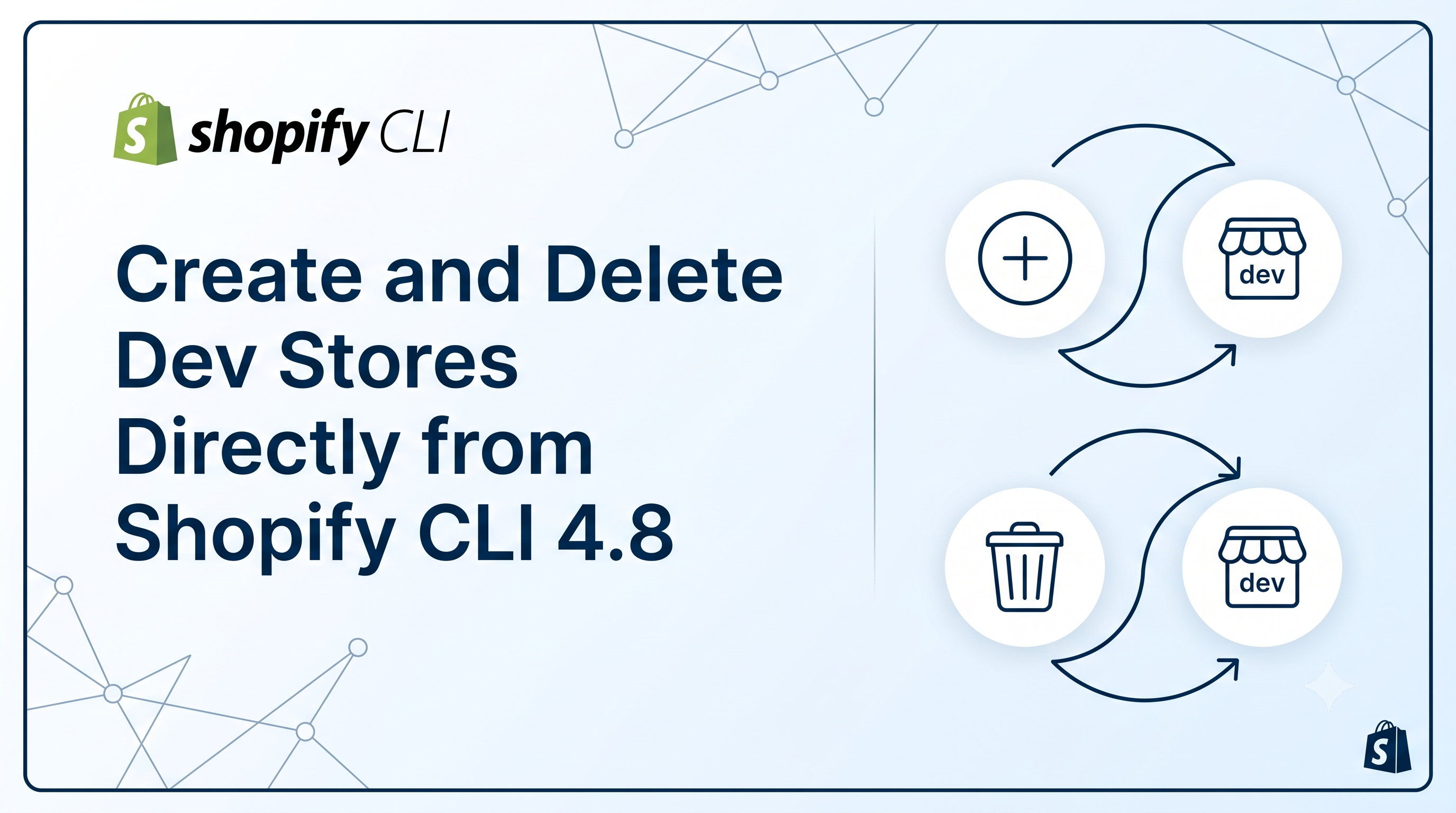
Shopify developers have long relied on the Dev Dashboard to spin up testing stores, but managing them manually can become cumbersome as projects scale. With the release of Shopify CLI 4.8, you can now create, list, inspect, and delete dev stores right from your terminal or AI‑powered coding agent. This post breaks down the new commands, explains who needs to act, and provides practical scripts to keep your organization under the new 250‑store limit.
What’s New in Shopify CLI 4.8
Shopify CLI 4.8 adds a family of shopify store commands that operate against the Dev Dashboard organization you’re logged into. The core commands are:
• shopify store create dev – spins up a fresh development store for app, theme, or feature testing.
• shopify store delete <store-id> – removes a dev store; available to store owners, organization owners, or admins.
• shopify store list – prints a table of every dev store in the organization.
• shopify store info <store-id> – returns detailed JSON about a single store.
These commands sit alongside the existing Admin API and bulk‑operation support in the CLI, meaning you can script end‑to‑end workflows that provision a store, seed it with data, run automated tests, and then tear it down—all without leaving the command line.
How to Create a Dev Store from the Terminal
First, make sure you’re on CLI 4.8 or newer:
bash
npm install -g @shopify/cli@latest
shopify version # should show 4.8.x or higher
Then run the create command. You’ll be prompted for a store name and a password, but you can also pass flags to automate the process:
bash
shopify store create dev \
--name my-app-test-store \
--password secret123 \
--country US \
--email dev@example.com
The CLI returns the new store’s URL and ID, which you can pipe into subsequent commands or store in an environment variable for later use.
Deleting and Listing Stores – Managing the 250‑Store Limit
Shopify now caps dev stores at 250 per organization. The limit does not apply to client‑transfer stores or collaborator stores, but if you’re a heavy app developer you’ll likely feel the pressure quickly.
Use shopify store list to see how many you have:
bash
shopify store list --json > stores.json
jq '.stores | length' stores.json # prints the count
To delete a store you own or administer, run:
bash
shopify store delete <store-id>
Because deletion requires owner or admin permissions, make sure the CLI session is authenticated with a user who holds those roles.
Automating Store Lifecycle with Scripts
Most teams benefit from a cleanup script that runs nightly or after CI pipelines. Below is a simple Bash example that removes any dev store older than 30 days:
bash
#!/usr/bin/env bash
# List stores, filter by creation date, and delete old ones
shopify store list --json | jq -r '.stores[] | select(.created_at < (now - 30*24*60*60)) | .id' | while read STORE_ID; do
echo "Deleting store $STORE_ID..."
shopify store delete "$STORE_ID"
done
You can combine this with the bulk‑operation features documented in the Admin API changelog to pre‑populate new stores with products, customers, or theme assets before your test suite runs.
Next Steps for Developers and Merchants
Developers should immediately upgrade to CLI 4.8, integrate the new commands into their local development scripts, and set up a periodic cleanup job if they approach the 250‑store ceiling. Consider adding the shopify store create dev step to your CI pipeline so each PR gets an isolated environment that is automatically destroyed after testing.
Merchants who manage multiple client‑transfer or collaborator stores won’t be affected by the limit, but it’s still a good idea to understand how dev stores are provisioned. If you ever need a dev store for a custom app, ask your developer to use the CLI commands rather than requesting a store manually through the UI.
By embracing the new CLI workflow, you gain faster iteration cycles, tighter version control, and a clear path to keep your Dev Dashboard tidy.
Conclusion & Call to Action
Shopify CLI 4.8 transforms dev‑store management from a manual UI task into a programmable part of your development toolkit. Update the CLI, start using shopify store create dev and its companion commands today, and script a cleanup routine to stay comfortably under the 250‑store limit. Need help building the automation? Reach out in the Shopify Community forums or drop a comment below—let’s keep your testing environments lean and your releases fast.