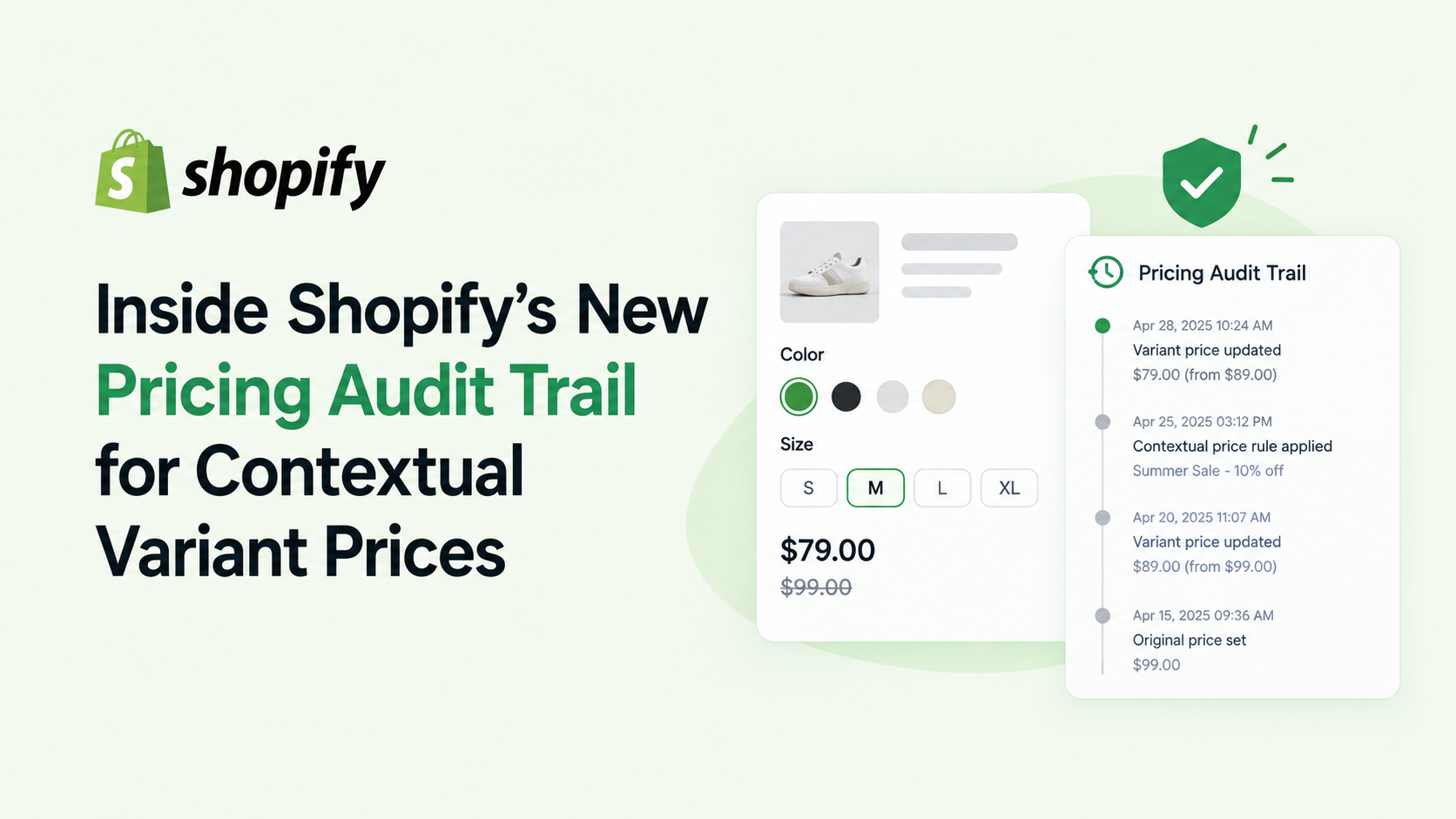
Shopify just released a powerful addition to its GraphQL Admin API: the auditTrail field on ProductVariantContextualPricing. Starting with API version 2026-10, apps can retrieve a step‑by‑step breakdown of every adjustment Shopify applied to a contextual product variant price. This post explains what changed, who needs to care, and how to start using the new audit trail in your integrations.
What Changed
The new ProductVariantContextualPricing.auditTrail field returns a PricingAuditTrail object. Its priceAdjustments array lists each adjustment in the exact order Shopify applied it. Every adjustment includes:
• type – the operation type (ADDITION, MULTIPLICATION, or REPLACEMENT)
• value – the numeric value used by the operation
• price – the resulting price after the operation
• label – a localized, human‑readable description (display‑only, not a stable identifier)
If Shopify cannot generate a complete audit trail for a given price, the priceAdjustments list is returned empty rather than partially populated.
Who Is Affected
The change only impacts apps that:
If your app is still on an older API version or doesn’t request read_products, you won’t see the new field, but you also won’t need to make any changes. Existing functionality—price and compareAtPrice fields—remains untouched.
Why It Matters
For ERP systems, B2B marketplaces, and any custom pricing engine, transparency is critical. The audit trail gives developers a clear, programmatic view of how Shopify arrived at the final contextual price, including:
• Price list discounts
• Currency conversion
• Tax and fee adjustments
• Rounding rules
Armed with this data, your app can surface a detailed breakdown to merchants, generate audit‑ready invoices, or reconcile pricing logic across systems.
How to Implement the Audit Trail
query GetVariantPricing($variantId: ID!) {
productVariant(id: $variantId) {
id
contextualPricing {
price
compareAtPrice
auditTrail {
priceAdjustments {
type
value
price
label
}
}
}
}
}
Testing and Best Practices
• Create a test product variant with known price list discounts, a different currency, and tax enabled. Run the query and verify the adjustments match your expectations.
• Never rely on the label value for logic. Labels are localized and may change with Shopify UI updates.
• Cache the audit‑trail response only for short‑term display. Pricing rules can change frequently, and the audit trail reflects the live calculation.
• If you need to correlate adjustments to a specific price list or market, you’ll still have to query those objects separately; the audit trail only shows the operation, not its source.
Conclusion
Shopify’s new pricing audit trail turns a previously black‑box calculation into a transparent, queryable workflow. While existing apps can continue operating without changes, developers building pricing‑heavy integrations now have a straightforward way to surface the exact steps behind every contextual variant price. Upgrade to API 2026-10, add the auditTrail field to your queries, and give merchants the pricing clarity they deserve.
Ready to add price transparency to your app? Start by updating your GraphQL client to version 2026-10 and fire the sample query above. If you hit any roadblocks, drop a comment or reach out to the Shopify developer community for support.