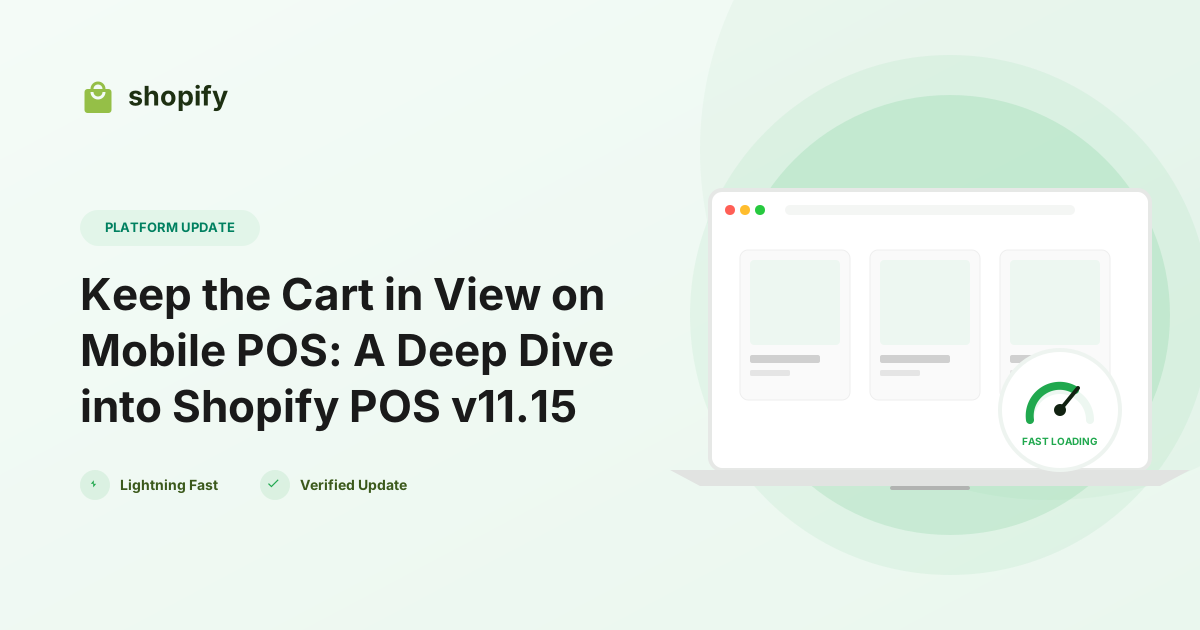
Shopify’s latest POS release, version 11.15, brings a subtle yet powerful UI overhaul for mobile staff: a persistent cart button that stays in view while they move through the app. For merchants who rely on iPhone or Android devices on the shop floor, this means the cart’s item count, recent additions, and total are always visible, and the full cart can be opened with a single tap. In this post we break down the update, explain who should care, and give you a quick checklist to make the most of the new experience.
What’s New in POS v11.15
Why This Matters for Merchants
For merchants, the biggest pain point on mobile POS has always been losing context. Staff would often tap the cart icon, make a change, then have to navigate back to the product they were scanning—a workflow that adds friction and increases the chance of mistakes. By keeping the cart’s essential data in sight, POS v11.15 reduces taps, shortens transaction time, and gives staff confidence that every discount or fee has been applied correctly. The update also aligns mobile POS with the desktop experience, where a persistent sidebar has existed for years.
How to Use the Persistent Cart Button
Impact on Developers
Developers building custom POS extensions or integrations don’t need to change any APIs – the cart data model remains the same. However, there are a couple of practical considerations:* UI consistency – If your app injects its own cart button or overlays, you’ll want to respect the new persistent button to avoid duplicate UI elements. The POS SDK now exposes a CartButtonVisibility flag you can query: ShopifyPOS.UI.setCartButtonVisibility(false) if you need to hide your own control.* Real‑time updates – The persistent button listens to the same cart webhook events (cart/updated, discount/applied, etc.). Ensure any custom cart mutations you perform via the POS GraphQL API trigger the standard events so the button reflects the change instantly.* Testing – Use the POS simulator (available in the Shopify CLI) with the --pos-version=11.15 flag to verify that your custom screens still navigate correctly after the cart overlay is dismissed.
Actionable Checklist for Your Store
Conclusion & Next Steps
Shopify POS v11.15’s persistent cart button may look like a modest UI tweak, but it directly tackles the friction that slows down mobile sales. Merchants get a smoother checkout flow, staff gain confidence, and developers retain a stable API surface while enjoying a more polished user experience. Upgrade today, train your team, and watch the impact on speed and accuracy at the point of sale. Need help updating your devices or adjusting a custom POS extension? Reach out to our Shopify development team for a quick audit and implementation plan.