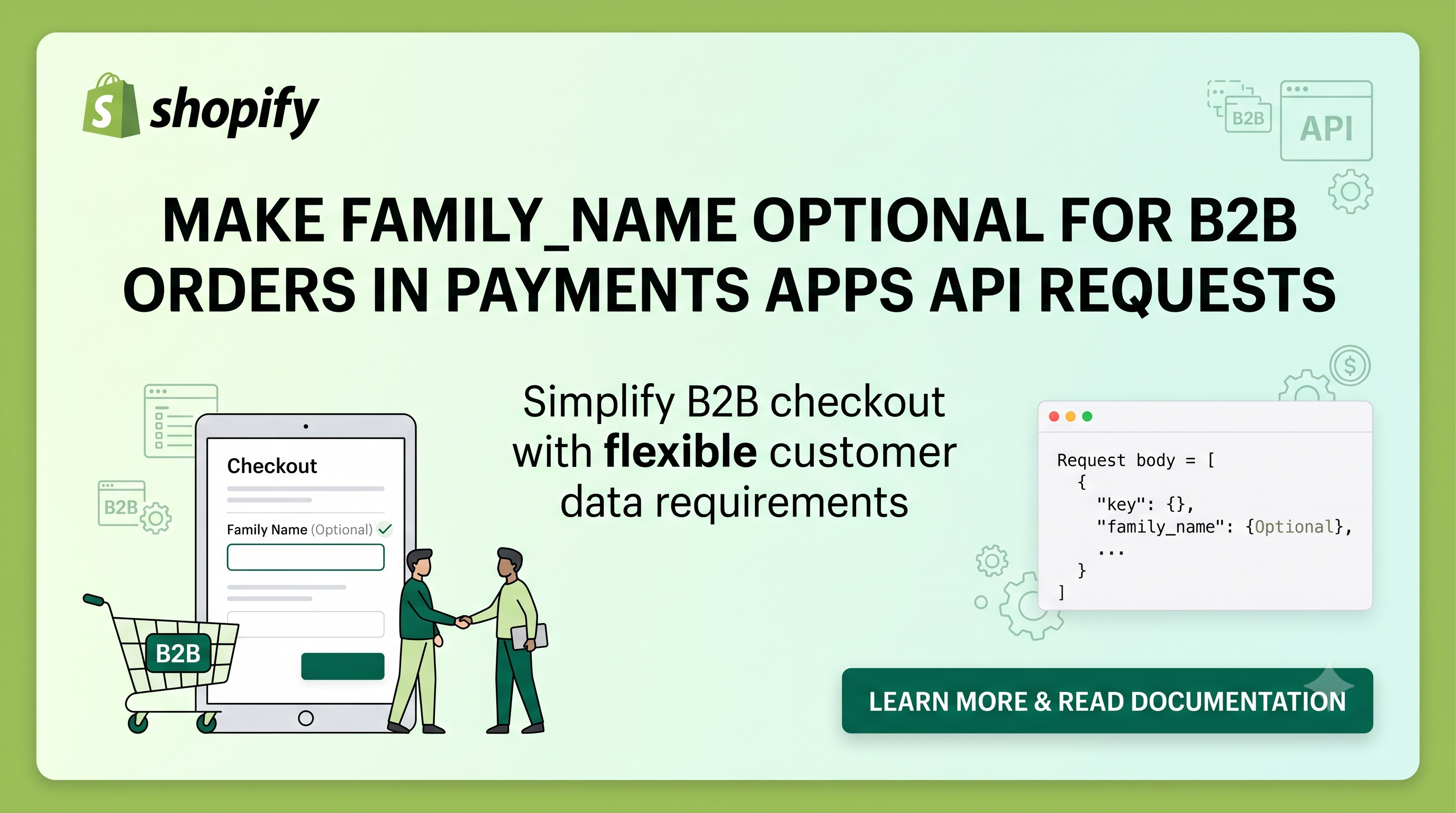
Shopify’s checkout experience is evolving to better serve business‑to‑business (B2B) merchants. The newest developer changelog entry removes the requirement for a buyer’s surname (family_name) in the shipping_address and billing_address objects when creating a payment session for a B2B order. If your Payments app still validates that family_name is always present, you’ll need to adjust your logic. This post breaks down the change, who it impacts, and the exact steps you should take to stay compliant and keep your integration smooth.
What Changed
Previously, the Payments Apps API documentation required a family_name field for every address, regardless of the checkout context. Shopify’s B2B checkout now treats the buyer’s surname as optional, aligning the API behavior with the front‑end experience. The API now officially documents family_name as optional for B2B orders, meaning a payment session request can omit that field in both shipping_address and billing_address without triggering a validation error.
Who Is Affected
The change directly impacts Payments apps that process B2B checkouts via the Payments Apps API. If your app currently enforces a mandatory family_name check—either in server‑side validation, webhook processing, or custom business rules—you’ll see failed requests when merchants place B2B orders without a surname. Apps that already accept requests without family_name for B2B orders are unaffected and can continue operating as‑is.
Impact on Your Payments App
For developers, the impact is two‑fold: validation logic and data handling. Any code that throws an error when shipping_address.family_name or billing_address.family_name is undefined will now reject legitimate B2B orders. This can manifest in custom validation middleware, GraphQL resolvers, or even UI‑level warnings in the app’s admin panel. Beyond the immediate error, downstream processes that assume a surname exists (e.g., invoice generation or fraud checks) may need to guard against a null value.
Action Steps for Developers
if (!address.family_name) { throw … } patterns and make them conditional on the checkout type.buyer_identity or order_type field that indicates a B2B transaction—use it to toggle the surname requirement.family_name as string | undefined for B2B contexts.Code Example: Adjusting Validation
Below is a concise Node.js/Express snippet that demonstrates how to make the family_name check optional for B2B orders while keeping it mandatory for B2C orders:
js
app.post('/payment_sessions', async (req, res) => {
const { order_type, shipping_address, billing_address } = req.body;
const isB2B = order_type === 'b2b'; // Adjust according to your payload structure
const requireSurname = !isB2B; // Only B2C needs a surname
if (requireSurname) {
if (!shipping_address.family_name) {
return res.status(400).json({ error: 'shipping_address.family_name is required for B2C orders' });
}
if (!billing_address.family_name) {
return res.status(400).json({ error: 'billing_address.family_name is required for B2C orders' });
}
}
// Continue processing the payment session
const session = await createPaymentSession(req.body);
res.json(session);
});
Notice how the check is gated by the isB2B flag, allowing B2B payloads to omit the surname without breaking the flow.
Testing Your Updated App
After updating validation, run a suite of tests that cover the following scenarios:
Use Shopify’s Payments Apps API sandbox or a private test store to generate real‑world payloads. Logging the incoming request bodies during testing can help verify that the order_type flag is correctly identified.
Conclusion & Next Steps
Making family_name optional for B2B orders removes an unnecessary friction point for business buyers and brings the API in line with Shopify’s front‑end checkout. By updating your validation logic, you’ll avoid rejected sessions, keep B2B merchants happy, and maintain a robust Payments app. If you haven’t already, push these changes to your staging environment, run the test matrix above, and then deploy to production.
Got questions or need a hand reviewing your implementation? Drop a comment below or reach out on the Shopify Developers Discord—our community is ready to help you ship a seamless B2B experience!