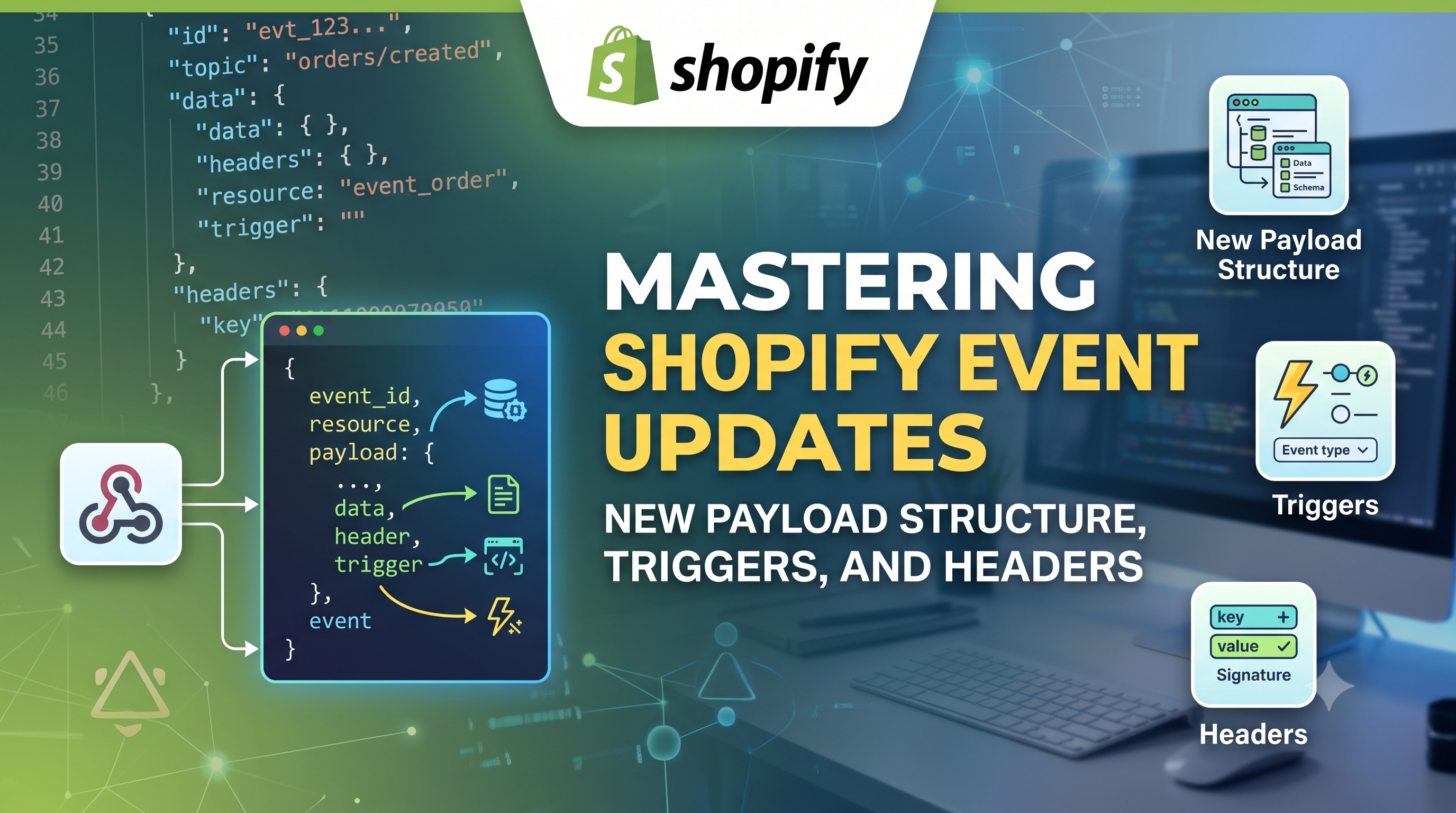
Shopify developers, listen up! Starting today the Events API has a major facelift. The payload format, trigger definitions, and delivery headers have all been tweaked to give you clearer insight into what’s actually changing in your store’s data. In this post we break down each change, explain who needs to act, and give you ready‑to‑copy snippets so your apps keep humming without interruption.
What Changed in Event Payloads
The biggest headline is the new structure for the "fields_changed" property. Previously it was a flat array of strings, forcing you to parse each path to decide if something was added, updated, or removed. Now the payload groups those paths into three explicit arrays: "added", "updated", and "removed". This makes it trivial to react only to the exact change you care about.
Before:
{\n "topic": "Product",\n "action": "update",\n "fields_changed": [\n "product[id: 'gid://shopify/Product/123'].variants[id: 'gid://shopify/ProductVariant/456']"\n ]\n}
After:
{\n "topic": "Product",\n "action": "update",\n "fields_changed": {\n "added": [\n "product[id: 'gid://shopify/Product/123'].variants[id: 'gid://shopify/ProductVariant/456']"\n ],\n "updated": [],\n "removed": []\n }\n}
With this new shape you can safely read "fields_changed.added" to handle newly created variants, "fields_changed.updated" for price changes, and "fields_changed.removed" for deletions—no extra API calls needed.
Parent Triggers Use an Explicit Wildcard
The trigger syntax that tells Shopify which parts of a resource you want to listen to also got a tweak. When you want to capture *any* change under a parent path, you now must append a terminal ".*". Leaf‑level triggers (e.g., "product.variants.price") stay the same.
Old syntax:
triggers = [\n "product.variants",\n "product.options.optionValues.swatch"\n]
New syntax (required on your next deployment of shopify.app.toml):
triggers = [\n "product.variants.*",\n "product.options.optionValues.swatch.*"\n]
The change is purely syntactic—the matching behavior and event volume remain identical. However, if you keep the old form, the subscription will be ignored the next time Shopify validates your app’s config.
Delivery Header Cleanup
Two headers that were automatically sent with every webhook delivery—"shopify-event-id" and "shopify-resource-id"—have been retired. Most modern Shopify API libraries already ignore them, but if you have custom validation that checks these values you’ll need to drop that logic.
Action step: Upgrade to the latest version of your Shopify SDK (e.g., @shopify/shopify-api for Node, shopify_api for Ruby). The updated packages no longer expect those headers, and they will keep your webhook verification code working out of the box.
Triggers Are Now Mandatory for Update Actions
If you subscribe to an event with the "update" action, you must provide at least one trigger. Existing subscriptions that already include triggers continue to function, but any new "update" subscription without a trigger will be rejected during app registration.
Typical fix: add a wildcard trigger for the resource you care about, e.g. "orders.*" if you only need to know that an order changed, then inspect "fields_changed" to see the exact fields.
Actionable Migration Steps
const {added, updated, removed} = payload.fields_changed;\nif (added.length) { /* handle creations */ }\nif (updated.length) { /* handle updates */ }\nif (removed.length) { /* handle deletions */ }
npm install @shopify/shopify-api@latest) to get built‑in support for the new delivery format.Conclusion & Call to Action
These changes may look like small syntax tweaks, but they unlock clearer event data and reduce the need for extra API calls. By updating your trigger definitions, payload parsing, and SDK versions today, you’ll keep your integrations stable and future‑proof. Got questions? Drop them in the Shopify Community post linked in the official changelog, or reach out in the #shopify‑dev Slack channel. Happy coding!