Shopify’s latest developer update introduces a more forgiving refresh flow for expiring offline access tokens. If your app ever loses the response from a token‑refresh request, you now have a built‑in recovery window that can keep your integration humming without forcing merchants to reopen the app. This post breaks down the change, explains who it impacts, and provides clear, actionable steps (including sample code) to ensure your app stays resilient.
What Changed
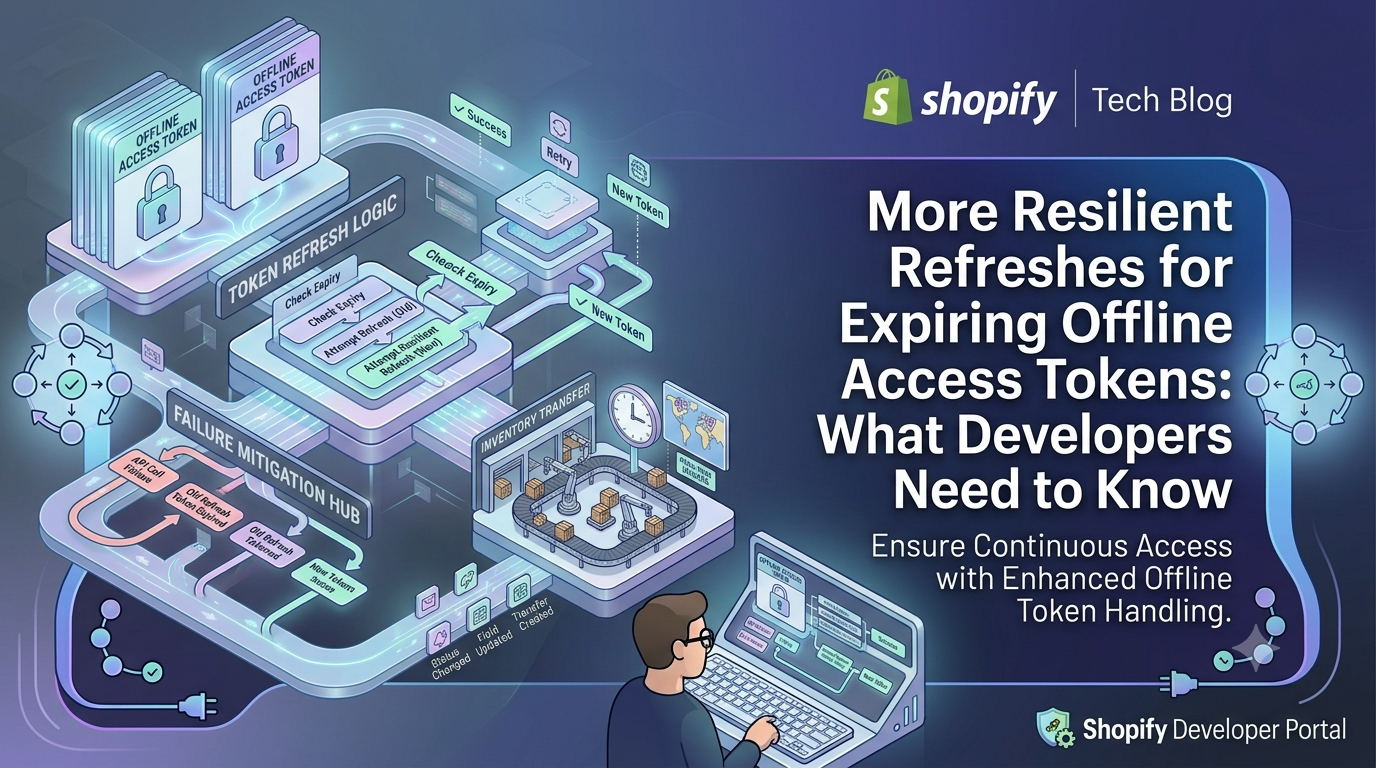
Previously, once an app used a refresh token, that token could be retried for only 60 minutes. If the app failed to capture the new access‑token/refresh‑token pair—because of a network glitch, a crashed worker, or a DB write error—the original refresh token became unusable after that window, forcing the merchant to re‑authorize the app.
The new behavior extends the retry window dramatically. After you call the refresh endpoint, Shopify will keep the *previous* refresh token valid until you start using the *replacement* token that Shopify returns. This safety net lasts for up to 30 days from the first use of the original token, but it does not extend the overall 90‑day token lifespan. Once you store and start using the new token, the old one is retired automatically.
Who Is Affected
The change only applies to apps that have opted into *expiring* offline access tokens (the default for new apps and for existing apps that have migrated). If your integration still relies on non‑expiring offline tokens, nothing changes for you. No new API version, configuration flag, or opt‑in is required—Shopify rolls this out automatically for qualifying apps.
Why This Matters for Your App
A transient failure during a refresh cycle can leave your database without the latest token pair while Shopify has already invalidated the old refresh token. That scenario typically forces a merchant to open the app again, triggering a new OAuth flow—a poor experience that can lead to missed orders or broken automation.
With the 30‑day fallback, your background worker can simply retry the same refresh token until you successfully persist the new pair. This gives you a reliable recovery path without any extra code paths, reducing support tickets and improving uptime for any scheduled jobs that depend on the offline token (e.g., order sync, inventory updates, analytics pipelines).
Actionable Steps for Developers
Even though Shopify handles the extended window for you, you should still follow best practices to make the most of it:
Sample Code: Atomic Storage of Token Pair
Below is a Node.js/Express example using a PostgreSQL transaction to store the refreshed tokens atomically. Adjust the database client to match your stack (MySQL, MongoDB, etc.).
javascript
// refreshTokens.js – called when Shopify returns a new token pair
async function handleRefresh(shop, newAccessToken, newRefreshToken) {
const client = await pool.connect();
try {
await client.query('BEGIN');
// Update both columns in a single row – atomic operation
const sql = `
UPDATE shop_tokens
SET access_token = $1,
refresh_token = $2,
refreshed_at = NOW()
WHERE shop = $3
`;
await client.query(sql, [newAccessToken, newRefreshToken, shop]);
await client.query('COMMIT');
console.log(✅ Tokens refreshed for ${shop});
} catch (err) {
await client.query('ROLLBACK');
console.error('❌ Failed to persist token pair', err);
// Let the caller retry – the old refresh token is still valid for up to 30 days
throw err;
} finally {
client.release();
}
}
Conclusion & Next Steps
Shopify’s extended refresh window is a silent safety net that protects your background jobs from rare but disruptive failures. No migration is required, but treating the fallback as a contingency rather than a permanent shortcut is key. By serializing refresh calls, persisting token pairs in a single transaction, and always swapping to the newest refresh token, you’ll keep your app’s offline access robust for the full 90‑day lifecycle.
Ready to tighten up your token handling? Review your refresh logic today, add the atomic storage pattern shown above, and monitor your logs for any retry events. A more resilient token flow means fewer merchant interruptions and a smoother experience for everyone.