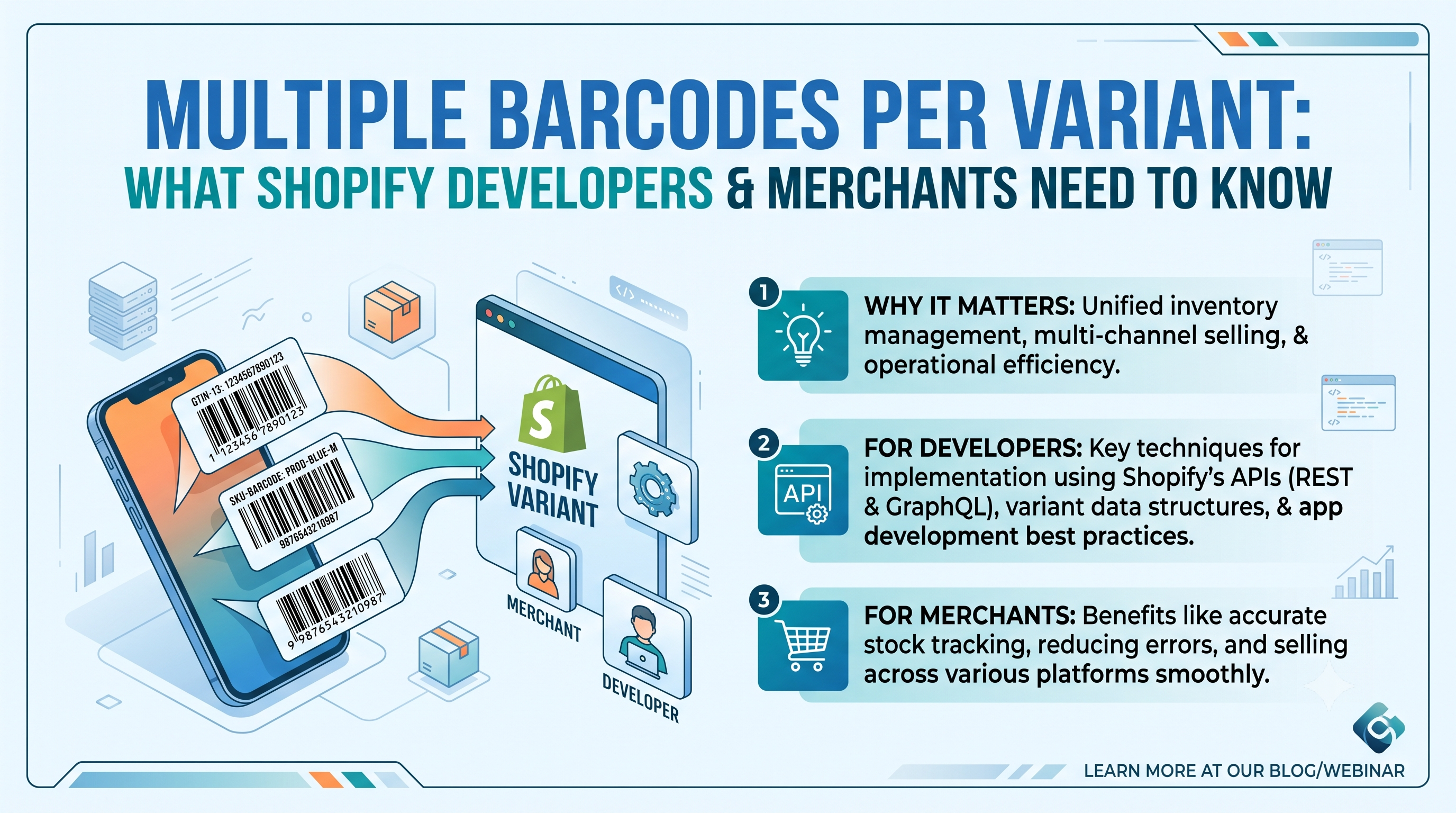
Shopify’s latest developer changelog introduces a game‑changing feature: product variants can now hold multiple barcodes. If you’ve ever struggled to fit a UPC, an EAN, an ISBN, or a marketplace ASIN into a single barcode field, this update finally gives you the flexibility you need. In this post we’ll break down exactly what changed, who it impacts, and the concrete steps you should take today to start leveraging multiple barcodes without breaking existing workflows.
What Changed: From a Single Barcode to a Full Barcode Set
ProductVariant object. It returns an array of ProductVariantBarcode objects, each with a value and an optional type (UPC, EAN, ISBN, GTIN, or ASIN).barcodes input on the productSet, productVariantsBulkCreate, and productVariantsBulkUpdate mutations. You can send up to 20 barcodes per variant, each up to 255 characters.ProductVariant.barcode field is deprecated but still functional. Reading it returns the first barcode in the new set; writing it updates only the first entry.Who Is Affected?
Developers – Any app, custom integration, or theme that reads or writes variant barcodes must be updated to use the new barcodes connection. If you rely on the old barcode field for bulk imports, syncs to ERPs, or marketplace listings, you’ll need to adjust your GraphQL queries and mutations.
Merchants – Store owners who manually edit barcodes in the admin UI won’t see any immediate change; the UI still shows a single “Barcode” field (which now mirrors the first entry). However, merchants who need multiple identifiers for marketplaces, POS, or inventory systems will benefit from the expanded capability once their apps expose it.
How to Implement the New Barcodes API
Below are the most common mutation patterns you’ll need.
Create a variant with multiple barcodes
graphql
mutation CreateVariantWithBarcodes($productId: ID!) {
productVariantsBulkCreate(productId: $productId, variants: [
{
sku: "SKU-123",
barcodes: [
{ value: "012345678905", type: UPC },
{ value: "4006381333931", type: EAN },
{ value: "9780306406157", type: ISBN }
]
}
]) {
productVariants {
id
barcodes {
value
type
}
}
userErrors { field message }
}
}
Update an existing variant’s barcode set
graphql
mutation UpdateVariantBarcodes($variantId: ID!) {
productVariantsBulkUpdate(variants: [
{
id: $variantId,
barcodes: [
{ value: "012345678905", type: UPC }, // keep UPC as first
{ value: "4006381333931", type: EAN } // add EAN
]
}
]) {
productVariants {
id
barcodes { value type }
}
userErrors { field message }
}
}
Reading barcodes – The query now supports a filter that matches any barcode on the variant:
graphql
query VariantsByBarcode($search: String!) {
productVariants(first: 20, query: $search) {
edges {
node {
id
sku
barcodes {
value
type
}
}
}
}
}
Migration Checklist
ProductVariant.barcode.barcode with one that sends an array. Remember that sending barcodes overwrites the entire set, so include all values you want to keep.barcode field for a transition period. If you receive a blank barcode value, the API will shift the next barcode into the first slot automatically.barcodes connection, not just barcode.type, Shopify validates length, prefix, and check‑digit. Verify your data conforms, or send the value without a type to keep legacy behaviour.barcode, it will see only the first entry and silently ignore the rest. Communicate the change to partners and update any sync jobs.Potential Pitfalls & Tips
barcode field and what external channels (like Google Shopping) may still expect. Keep your primary identifier (usually the UPC) at index 0.ProductVariant.barcode. Keep an eye on future API version release notes and plan to retire any remaining usage before the field is removed.Conclusion & Next Steps
The ability to store multiple barcodes per variant removes a long‑standing friction point for merchants selling across channels and for developers building inventory or marketplace integrations. By updating your GraphQL queries and mutations today, you’ll unlock richer product data, reduce reliance on metafields, and future‑proof your store ahead of the eventual removal of the single barcode field.
Ready to get started? Review the official Shopify docs for ProductVariant, ProductVariantBarcode, BarcodeInput, and BarcodeType, then run the sample mutations above in your app’s GraphQL playground. If you have questions or need help with a migration plan, drop a comment or reach out to our Shopify developer community for guidance.