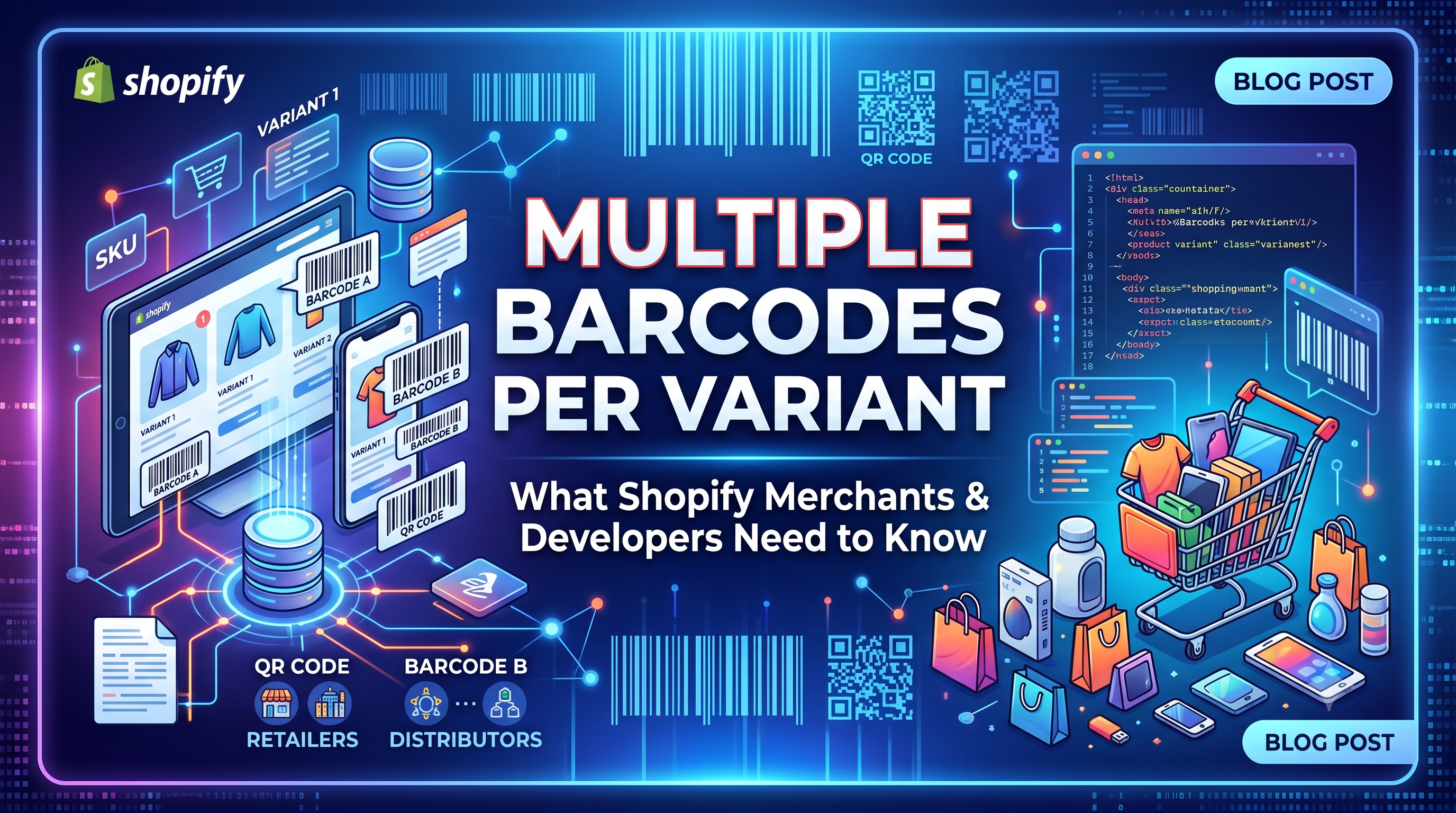
Multiple Barcodes per Variant: What Shopify Merchants and Developers Need to Know

Shopify now lets each product variant hold up to 20 barcodes, simplifying inventory across UPCs, EANs, ASINs, and custom codes. Learn how this change impacts your store, the API, CSV workflows, and the steps to start using it.

Multiple Barcodes per Variant: What Shopify Merchants and Developers Need to Know
8 sections

Shopify just rolled out a game‑changing update: product variants can now store up to 20 barcodes instead of just one. Whether you sell on Amazon, in brick‑and‑mortar stores, or via wholesale channels, you’ll often have multiple identifiers for the same SKU—think a manufacturer UPC, a private‑label EAN, and an Amazon ASIN. This update removes the need for messy spreadsheets and lets you manage every code directly in Shopify.

Why Multiple Barcodes Matter

Having several barcodes per variant solves three common pain points:

  • Channel compliance – Marketplaces often require the exact barcode they use for listings. 2. Warehouse accuracy – Scanners can read any code on a box, reducing mis‑picks. 3. Branding flexibility – Private‑label products can keep their own internal codes alongside global standards.
  • What Changed: New Variant Barcode Limits

  • Up to 20 barcodes can now be attached to a single variant. * Each barcode is assigned a type (UPC, EAN, ISBN, GTIN, ASIN, or Custom). * Shopify validates the format based on the selected type, catching typos at entry. * The first barcode remains the primary identifier for channels that only accept one value (labels, feeds, apps).
  • Who Is Affected

  • Merchants – Store owners who manage inventory, use the Bulk Editor, or import/export products via CSV will see new UI fields and bulk‑edit options. * Developers – Apps that read or write the barcode field need to consider the new barcodes array (GraphQL/REST) and update any logic that assumes a single value.
  • Merchant Action Steps

  • Add barcodes in the admin – Open a product variant, click “Add barcode”, choose the type, and type the value. You can add up to 20. 2. Bulk edit – In the Bulk Editor, add the “Variant Barcodes” column, then paste a semicolon‑separated list (e.g., 123456789012|UPC; 9780306406157|ISBN). 3. CSV import/export – The product export now includes a Variant Barcodes column. Each entry follows the pattern code|type and multiple entries are separated by ;. Example: 123456789012|UPC; 987654321098|EAN. 4. Mobile scanning – The Shopify mobile app lets you scan barcodes directly onto a variant, saving time on the floor.
  • Developer Implications & API Updates

    REST Admin API – The Variant object now includes a new barcodes array. Each element is an object with code and type. The original barcode field is unchanged and continues to return the first barcode.

    GraphQL Admin API – A new field barcodes (type [Barcode!]!) was added to the ProductVariant type. Each Barcode has code and type fields. The existing barcode field still resolves to barcodes[0].code for backward compatibility.

    Sample GraphQL mutation to set multiple barcodes:

    graphql

    mutation updateVariantBarcodes($variantId: ID!, $bars: [BarcodeInput!]!) {

    productVariantUpdate(input: {id: $variantId, barcodes: $bars}) {

    productVariant {

    id

    barcodes {

    code

    type

    }

    barcode # still returns the first barcode

    }

    userErrors {

    field

    message

    }

    }

    }

    Sample REST PATCH request:

    PATCH /admin/api/2024-07/variants/123456789.json

    {

    "variant": {

    "id": 123456789,

    "barcodes": [

    {"code": "012345678905", "type": "UPC"},

    {"code": "9780306406157", "type": "ISBN"},

    {"code": "CUSTOM-001", "type": "CUSTOM"}

    ]

    }

    }

    What to watch for – Apps that sync inventory to third‑party platforms should now read the full barcodes array and decide which code to send based on the partner’s requirements. If an app only expects variant.barcode, it will continue to work, but you may miss the opportunity to provide a more appropriate identifier.

    Bulk & CSV Workflows

    The CSV export now includes a Variant Barcodes column. Each row can contain multiple entries separated by a semicolon. When importing, Shopify validates each code against its declared type, so malformed UPCs will be rejected with a clear error message.

    Best‑practice tip: Keep the primary barcode (the one used for labels and feeds) as the first entry in the list. That way nothing changes for channels that still read a single value.

    Best Practices & Tips

  • Use the barcode type selector to avoid data‑entry errors. * Regularly audit your variants to ensure the most important code is first. * Leverage the mobile app’s scanner for fast floor‑level updates. * Update any custom reporting dashboards to pull from the new barcodes array if you need visibility beyond the primary code.
  • Conclusion & Next Steps

    The multiple‑barcode feature removes a long‑standing friction point for merchants juggling global and private identifiers, while giving developers a richer data model to work with. Get started today by adding a secondary barcode to a few test variants, experiment with the bulk editor, and update your apps to read the new barcodes field. As always, keep an eye on Shopify’s changelog for any refinements and share your success stories with the community!


    Tags
    Sources

    Related Articles

    Meta Joins Your AI Channels: What Shopify Merchants Need to Know
    Platform Updates

    Meta Joins Your AI Channels: What Shopify Merchants Need to Know

    Meta is now an AI channel in the Shopify admin, letting merchants sync products, enable direct checkout, and track performance alongside other AI channels. Learn what changed, who’s affected, and the exact steps to configure Meta for your store.

    September 8, 20265 min
    Customer Address APIs Add countryCode — What Developers Need to Know
    Platform Updates

    Customer Address APIs Add countryCode — What Developers Need to Know

    Shopify’s Customer Account API now supports a countryCode field for addresses, deprecating territoryCode. Learn what changed, who’s affected, and how to update your apps with actionable code examples.

    September 8, 20264 min
    Shopify Storefronts Now Support UCP 2026‑08‑25 – What Developers Need to Know
    Platform Updates

    Shopify Storefronts Now Support UCP 2026‑08‑25 – What Developers Need to Know

    Shopify’s storefronts now advertise support for the Universal Commerce Protocol version 2026‑08‑25, enabling seamless capability negotiation for platforms and agents. Learn what changed, who’s impacted, and the exact steps you should take.

    September 4, 20263 min
    Staff Can Now View Customers’ Online Carts Directly in Shopify POS
    Platform Updates

    Staff Can Now View Customers’ Online Carts Directly in Shopify POS

    Shopify POS v11.14 now lets authorized staff see an identified customer’s abandoned online cart at checkout. Learn who this impacts, how to enable the permission, and actionable steps to boost in‑store conversions.

    September 3, 20263 min