As a Shopify merchant or developer, selecting the right theme for your store can significantly impact user experience, conversion rates, and overall success. When dealing with large inventories, it's crucial to choose a theme that excels in search, filtering, and speed. Among the plethora of themes available, the Impulse theme stands out for its robust features tailored to large catalogs. In this article, we'll delve into the Impulse theme, exploring its visual style, ideal catalog type, performance and UX considerations, customization tips, and the tradeoffs you should be aware of.
Introduction to the Impulse Theme
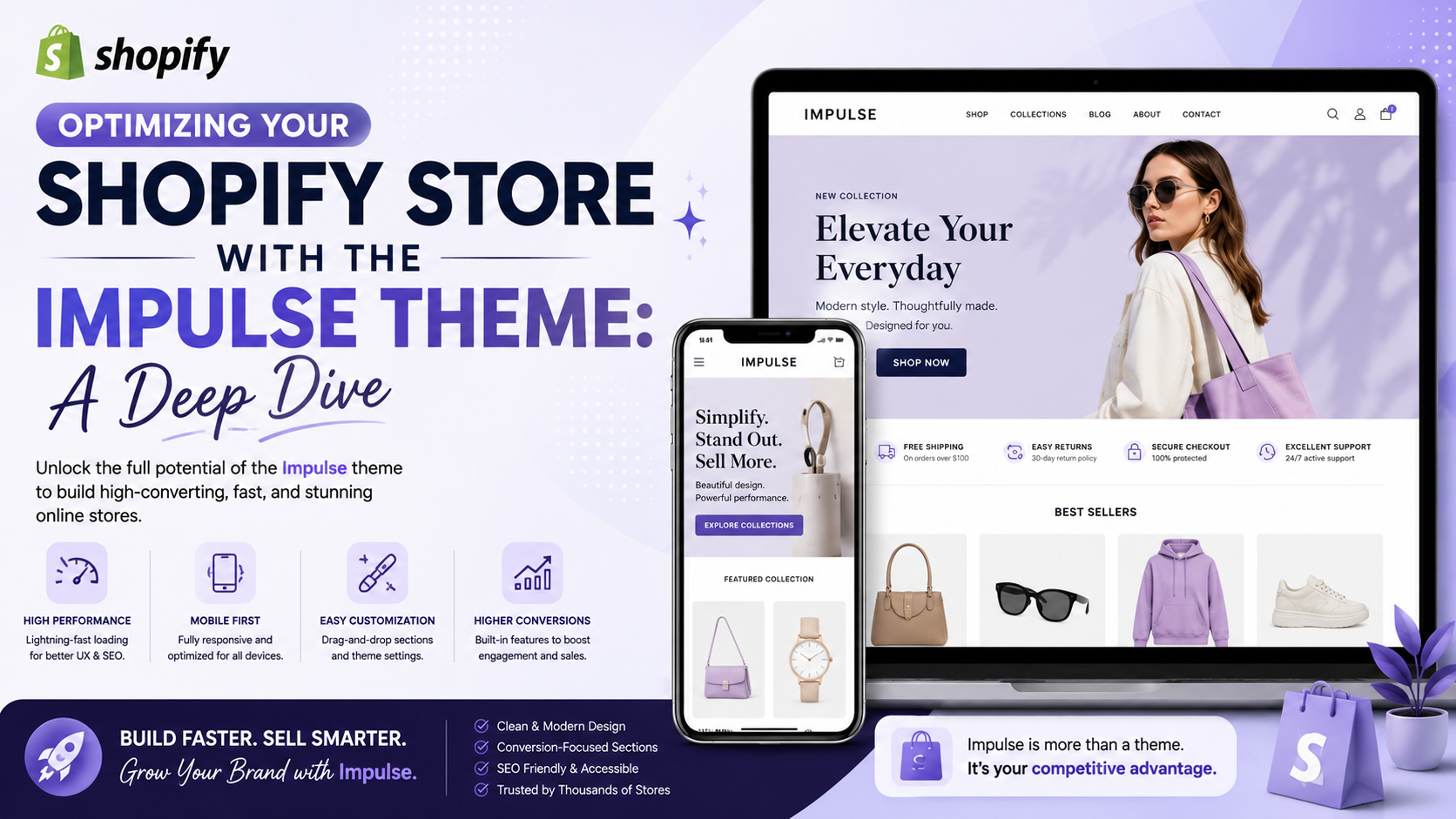
The Impulse theme is designed with large catalogs in mind, offering enhanced search and filtering capabilities that make it easier for customers to find the right product. With features like mega menus and full-width layouts, it provides a clean and intuitive interface for showcasing a wide range of products. Developed by Archetype Themes, Impulse is praised for its performance, making it a top choice for stores with serious catalog sizes.
Visual Style and Ideal Catalog Type
The Impulse theme boasts a modern and sleek design that is highly customizable to fit your brand's aesthetic. It is particularly suited for stores with large and diverse product catalogs, where ease of navigation and product discovery are paramount. Whether you're running a fashion boutique, an electronics store, or any other type of e-commerce business with a large inventory, Impulse can help you present your products in an organized and appealing manner.
Performance and UX Considerations
One of the standout features of the Impulse theme is its focus on performance. It is optimized for speed, ensuring that your store loads quickly and provides a seamless user experience, even with a large number of products. Additionally, the theme's UX is designed to reduce friction in the purchasing process, with clear calls-to-action, easy product comparisons, and streamlined checkout processes.
Customization Tips
While the Impulse theme is highly customizable, it's essential to approach customization with a strategy. Start by selecting a preset that closely aligns with your brand identity, and then adjust colors, fonts, and layouts as needed. Utilize Shopify's theme settings to tweak the theme without needing to dive into code. For more advanced customizations, consider working with a developer who can help you unlock the theme's full potential.
Tradeoffs and Considerations
Like any theme, the Impulse theme is not without its tradeoffs. It is a premium theme, which means there is an upfront cost. However, for stores with large catalogs, the benefits in terms of improved user experience, enhanced search and filtering, and potentially increased conversions can far outweigh the costs. Additionally, while highly customizable, making significant changes can require development expertise, which may add to your overall costs.
Conclusion
The Impulse theme offers a powerful solution for Shopify stores dealing with large inventories. By understanding its features, benefits, and tradeoffs, you can make an informed decision about whether it's the right fit for your e-commerce business. Remember, the key to success lies not just in the theme itself, but in how you customize and optimize it to meet your unique needs and enhance your customers' shopping experience. Take the first step today and explore how the Impulse theme can help elevate your store to the next level.