POS UI Extensions Lose session.currentSession.staffMemberId – What Developers Need to Update for 2026‑10

The static session.currentSession.staffMemberId field is removed in API version 2026‑10. Learn how to switch to the new session.staffMember signal, update your code, and keep POS extensions running smoothly.

POS UI Extensions Lose session.currentSession.staffMemberId – What Developers Need to Update for 2026‑10
6 sections

Shopify’s POS UI Extensions have received a subtle but important change in the 2026‑10 API version. The once‑static field session.currentSession.staffMemberId has been removed, and developers must now rely on the reactive session.staffMember signal. This post breaks down what the change means, who it impacts, and exactly how to update your extensions so they keep working flawlessly.

What Changed?

In API version 2026‑10, Shopify deprecated and finally removed the static session.currentSession.staffMemberId property from the POS UI Extensions Session API. The field was marked for removal back in the 2026‑07 release in favor of session.staffMember, a reactive signal that reflects the currently logged‑in staff member and updates automatically when a new staff member pins into the POS.

Who Is Affected?

Only developers building POS UI Extensions are directly impacted. Any extension that reads session.currentSession.staffMemberId will break once it targets the 2026‑10 version or newer. Merchant owners who simply install extensions won’t see a visible change, but they could experience broken functionality if the underlying extension isn’t updated. Extensions built for 2026‑07 or earlier remain functional, as the old field still exists in those versions.

How to Update Your Extension

The migration is straightforward. Replace every occurrence of session.currentSession.staffMemberId with the new reactive access pattern. For simple reads you can use the value property:

js

// Old way (pre‑2026‑10)

const staffId = session.currentSession.staffMemberId;

// New reactive signal

const staffId = session.staffMember.value?.id;

If your extension needs to react to staff changes while it’s running—say you show the staff name on a custom receipt—you should subscribe to the signal:

js

session.staffMember.subscribe((staffMember) => {

// React to staff change

console.log('Current staff:', staffMember?.id);

});

When using @shopify/ui-extensions/preact, you can also read session.staffMember.value directly inside your component’s render function. The Preact integration automatically re‑renders the component whenever the signal’s value changes, giving you a clean, declarative experience.

Testing Your Changes

  • Set the API version – In your extension’s shopify.extension.toml or manifest.json, bump the api_version to 2026‑10.
  • Run locally – Use shopify extension serve and open the POS simulator. Verify that the staff ID logs correctly and updates when you sign in as a different employee.
  • Automated tests – If you have unit tests that mock the Session API, adjust the mock to expose session.staffMember instead of the removed field.
  • Deploy to a test store – Before pushing to production, install the updated version on a staging store and perform a real‑world checkout to ensure no silent failures.
  • What Remains Unchanged

    The BaseData session.staffMemberId available to receipt targets is a separate API and continues to work exactly as before. Only the Session API used inside POS UI Extension code has changed.

    Next Steps

    Update your codebase today, test against the 2026‑10 version, and publish the new build to avoid runtime errors after the deprecation deadline. Need help troubleshooting or want a code review? Drop a comment below or reach out to our Shopify developer community for a quick assist.

    Tags
    Sources

    Related Articles

    Mark Unreceived Stock with the New CANCELED Receive Action in Shopify’s Inventory Shipments API
    Platform Updates

    Mark Unreceived Stock with the New CANCELED Receive Action in Shopify’s Inventory Shipments API

    Shopify’s 2026-10 API adds a CANCELED receive action for inventory shipments, letting apps record units that will never arrive. Learn what changed, who it affects, and how to implement the new fields, enum, and webhook updates.

    September 17, 20264 min
    Inside Shopify’s New Pricing Audit Trail for Contextual Variant Prices
    Platform Updates

    Inside Shopify’s New Pricing Audit Trail for Contextual Variant Prices

    Shopify’s 2026-10 API adds a pricing audit trail to product variant contextual pricing, letting apps see exactly how prices are calculated. Learn what changed, who’s affected, and how to query the new field.

    September 17, 20264 min
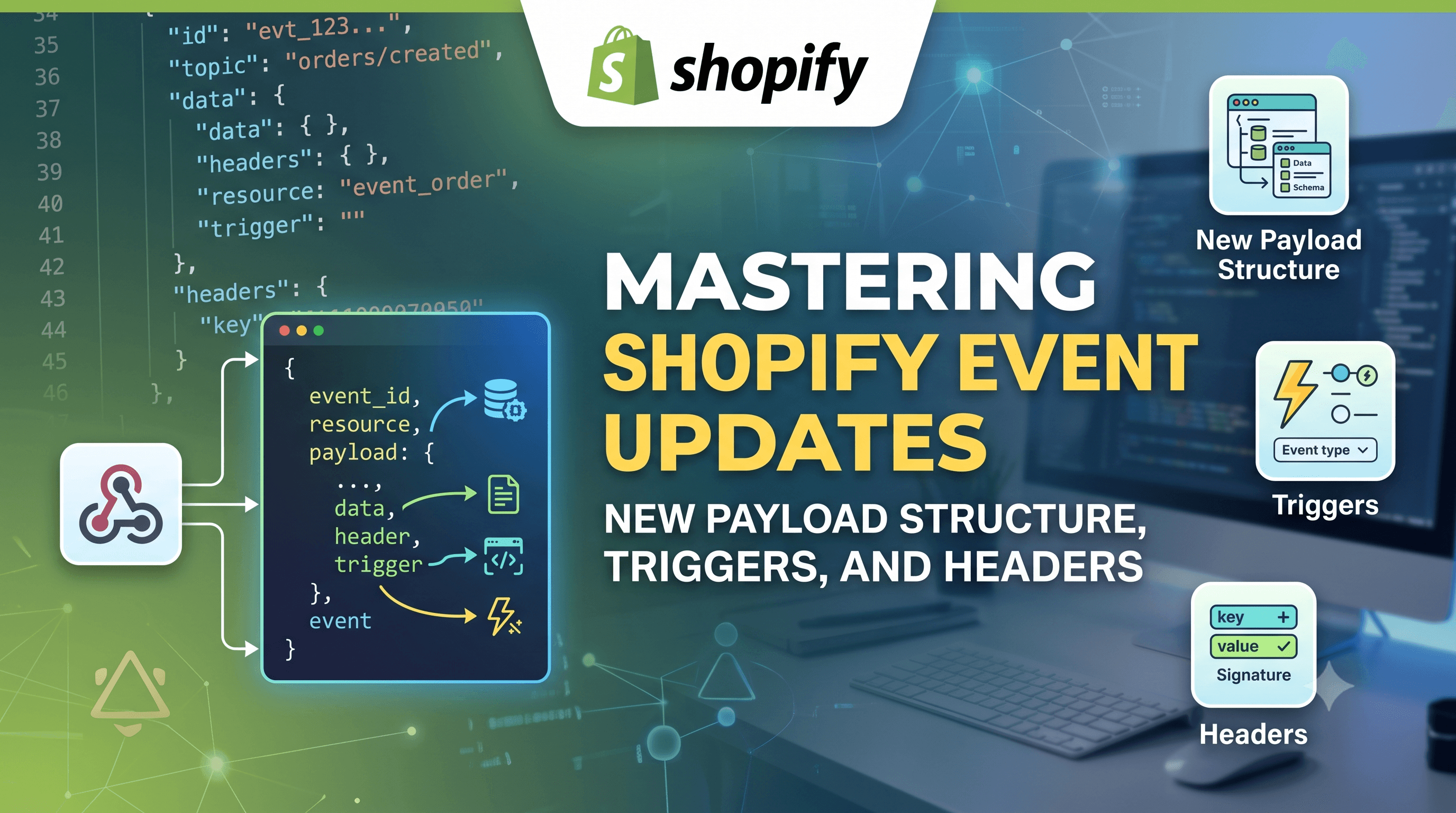
    Mastering Shopify Event Updates: New Payload Structure, Triggers, and Headers
    Platform Updates

    Mastering Shopify Event Updates: New Payload Structure, Triggers, and Headers

    Shopify’s latest event update reshapes payloads, refines trigger syntax, and removes two delivery headers. Learn what changed, who’s affected, and how to migrate your webhook subscriptions with clear code examples.

    September 16, 20264 min
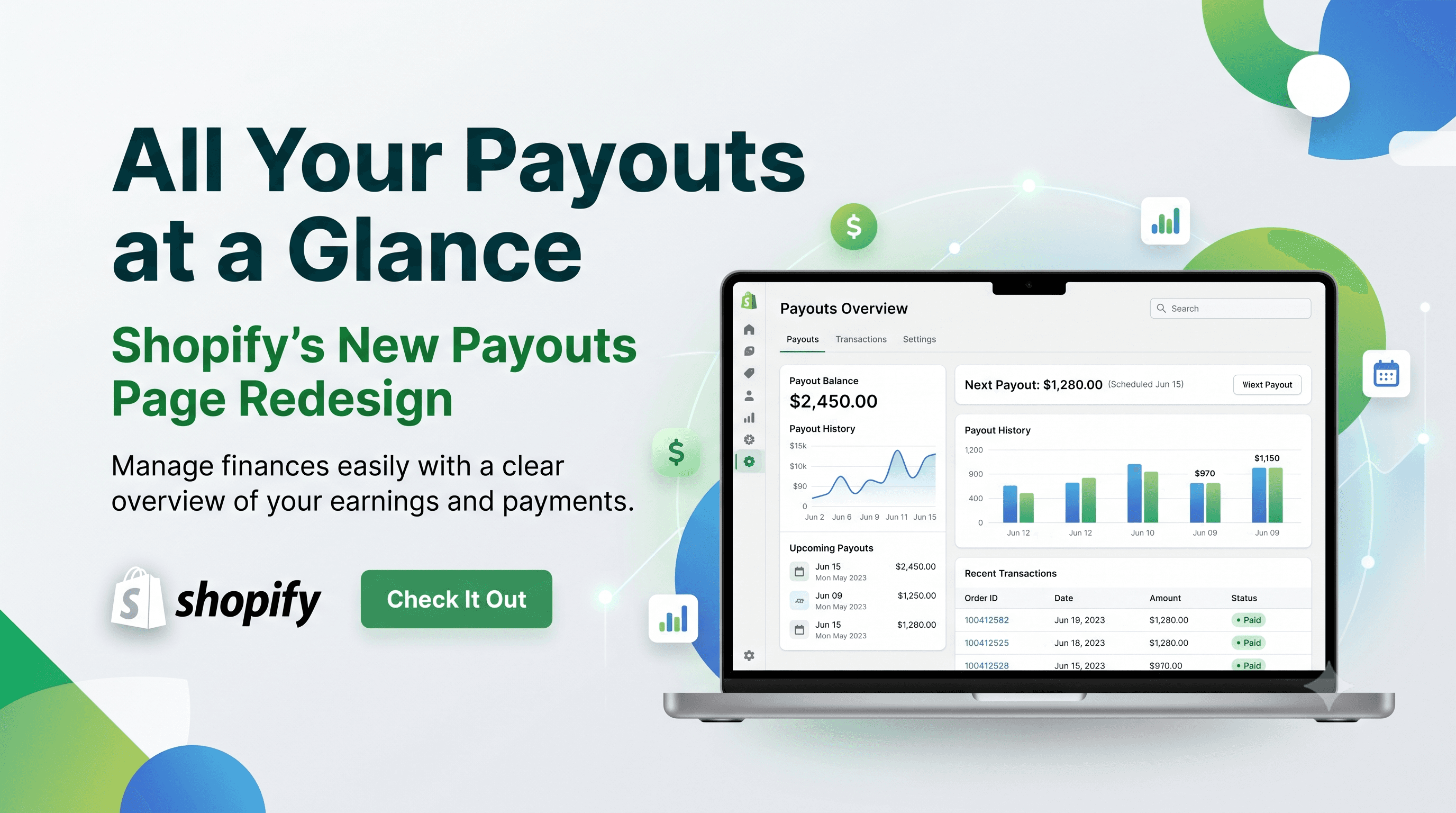
    All Your Payouts at a Glance: Shopify’s New Payouts Page Redesign
    Platform Updates

    All Your Payouts at a Glance: Shopify’s New Payouts Page Redesign

    Shopify’s latest admin overhaul gives merchants a single‑screen view of all payouts, letting you compare details without navigation. Learn what changed, who it impacts, and how to prepare your store and custom apps for the new layout.

    September 16, 20265 min