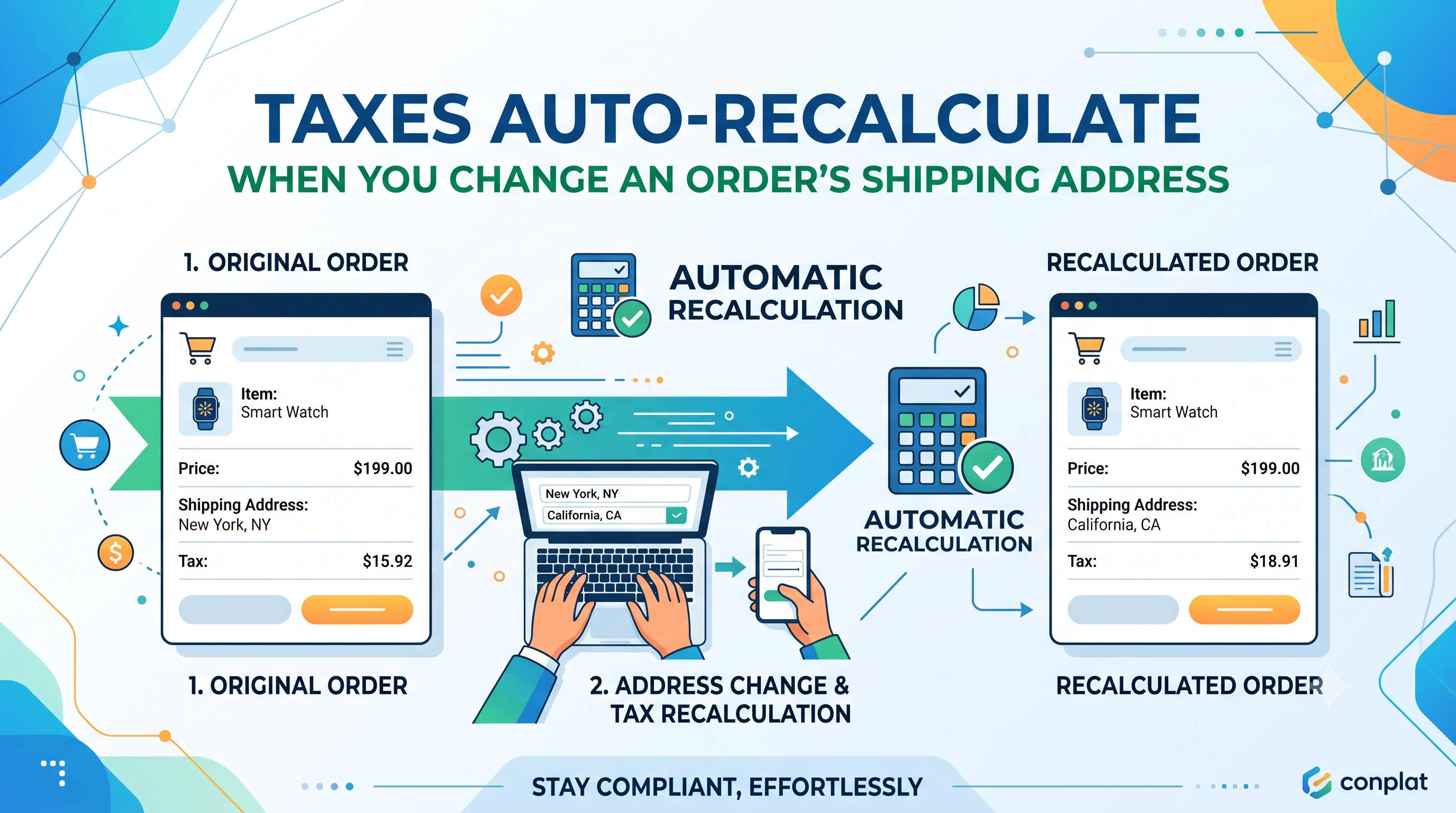
Shopify merchants have long struggled with a silent tax drift: when an order’s shipping address was edited, the tax amount stayed tied to the original destination, creating mismatched reports and extra manual work. As of the latest Merchant Changelog, the platform now recalculates taxes automatically based on the new shipping address, showing a preview before you save. This change restores alignment between what you charge, what you remit, and what appears in your reports.
What Changed
Previously, tax rates were locked to the address that existed when the order was first created. Updating the shipping address left the original tax total untouched, even though the order would physically travel to a different tax jurisdiction. The new logic intercepts the address change, pulls the correct tax rates for the new destination, and recalculates the total tax line‑items in real time. Merchants now see a preview of the revised tax amount, any payment difference, and can act before committing the change.
Who Is Affected?
The update primarily benefits merchants and store admins who manually edit orders—especially those handling B2B shipments, split shipments, or post‑order address corrections. Developers who built custom order‑editing tools, third‑party apps that sync shipping data, or webhook listeners that rely on the tax_total field also need to be aware, because the tax value can now change after the original order event.
How the Recalculation Works
When you modify the shipping address in the Shopify admin, the platform immediately queries the tax service for the new jurisdiction, applies the applicable rates, and updates the tax line items. A banner appears showing the new subtotal, tax, and total. If the revised total creates a payment discrepancy—either a shortfall or an over‑payment—Shopify surfaces that amount and offers a one‑click option to send an invoice or issue a refund before you finalize the edit.
Immediate Actions for Merchants
Developer Considerations
If you expose order data through the Admin API, GraphQL, or REST, remember that the tax_total field may now change after an address edit event. Webhooks such as orders/edited or orders/updated will fire again with the new tax amounts, so idempotent handling is essential. No code changes are required for the core recalculation, but you may want to: • Listen for the second webhook payload and reconcile any downstream accounting entries. • Adjust any custom UI that displays tax before the address change to refresh after the edit completes. • Verify that your tax‑calculation extensions (if any) respect the new order‑address‑tax sync behavior.
Best Practices & Tips
• Keep address validation strict; an invalid zip code will prevent the tax service from returning rates and could pause the preview. • When you automate address changes via API, follow the same flow: PATCH the shipping_address, then GET the order to read the updated tax_total. • Document the new “payment difference” scenario in your training materials so customer‑service teams know when to issue invoices versus refunds. • If you run multiple storefronts with different tax settings, test each region to ensure the recalculation respects the correct tax configuration.
Conclusion & Next Steps
Shopify’s automatic tax recalculation eliminates a hidden source of financial drift and gives merchants a clearer, more trustworthy order record. By testing the new flow, updating internal processes, and ensuring your apps handle the refreshed tax payloads, you can turn this update into a competitive advantage. Need help updating your order‑editing UI or webhook handling? Reach out to our Shopify development team or drop a comment below—let’s keep your store’s taxes accurate, every time.