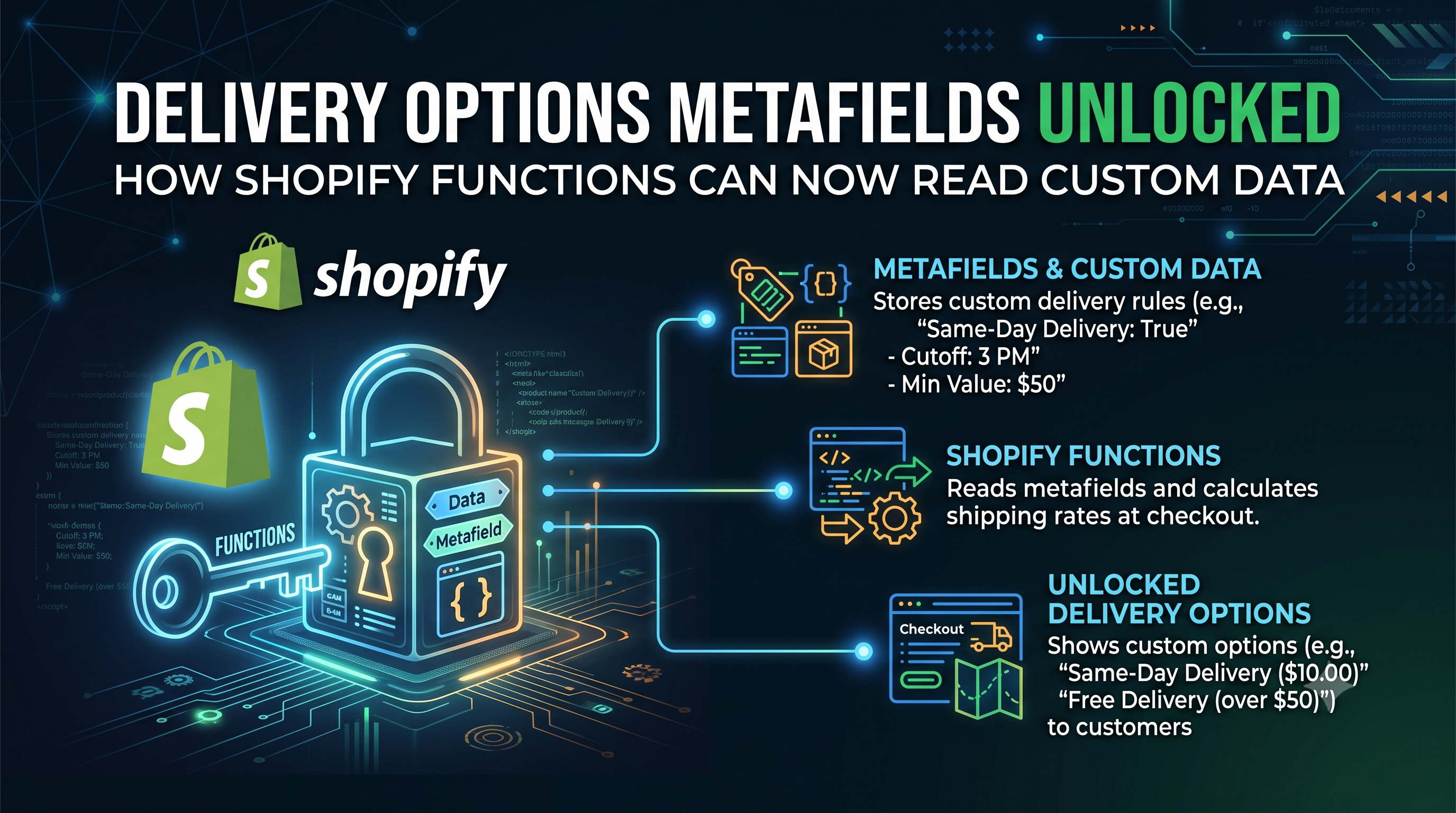
Shopify’s latest developer release brings a long‑awaited capability to the Functions cart graph: delivery options now expose their metafields. Starting with API version 2026-10, any function that receives the cart’s deliveryGroups can query the new metafield field on CartDeliveryOption. This change removes the need for fragile work‑arounds like encoding data in option titles, and it opens the door for a clean, typed contract between delivery‑option generators and downstream customization functions.
What Changed
In the Functions cart schema, the CartDeliveryOption type now includes a metafield(namespace: String, key: String!): Metafield field. The returned Metafield object provides value, type, and jsonValue, just like any other metafield query. Importantly, these metafields are transient—they exist only for the duration of the checkout and are not persisted after the order is placed. They are attached by the delivery‑option generator function (or a shipping carrier service) when the option is created.
A quick example of the new query syntax:
graphql
{
cart {
deliveryGroups {
deliveryOptions {
handle
ownNamespace: metafield(namespace: "$app:carrier", key: "priority") { value }
shared: metafield(namespace: "carrier", key: "priority") { value }
}
}
}
}
Who Is Affected
The update touches every Shopify Function that receives cart.deliveryGroups.deliveryOptions in its input schema. That includes:
• Delivery Customization Functions – the primary audience, as they now can read the structured data a generator function attached.
• Any other custom function (e.g., cart‑level discounts) that happens to include delivery options in its input.
• Legacy Order Discounts and Product Discounts APIs – unchanged, because those APIs never populate cart.deliveryGroups, so the new field remains invisible to them.
Merchants who only use out‑of‑the‑box Shopify shipping settings see no visible impact; the change is purely at the developer layer.
Why It Matters for Developers
Before this release, the only way for a delivery‑option generator to pass custom data downstream was to embed it in the option’s handle or title. That approach broke as soon as a merchant renamed the option, added translations, or when multiple options matched the same pattern. It also forced developers to parse strings, losing type safety.
With metafields, a generator can write a typed value in its own reserved namespace (e.g., $app:carrier) and a downstream customization function can read it directly, respecting Shopify’s metafield ownership rules. Shared namespaces (unprefixed) work as well, allowing multiple apps to cooperate without collisions. This results in:
• Stronger contracts between functions.
• Cleaner, more maintainable code.
• Fewer bugs caused by string parsing.
• Future‑proofing for any additional data you might want to attach later.
How to Implement the New Metafield Access
Ensure your function’s manifest specifies "apiVersion": "2026-10" (or newer). This version introduces the new field.
Update the query you send to the Functions cart graph. Include the metafield selection with the appropriate namespace and key.
Example for a Delivery Customization Function:
graphql
query GetDeliveryOptionMeta {
cart {
deliveryGroups {
deliveryOptions {
id
handle
// Read a metafield written by the generator in the app's reserved namespace
priority: metafield(namespace: "$app:carrier", key: "priority") {
value
type
}
// Optionally read a shared metafield
carrierCode: metafield(namespace: "carrier", key: "code") {
value
}
}
}
}
}
If a metafield belongs to a different app’s reserved namespace, the query will return null. Your code should check for this case and fall back to defaults.
When you create a delivery option (e.g., via a Shipping Carrier Service), attach the metafield using the same namespace/key you plan to read later.
Example (pseudo‑code):
javascript
await createDeliveryOption({
handle: 'express-next-day',
title: 'Express (Next‑Day)',
metafields: [
{
namespace: ${APP_ID}:carrier,
key: 'priority',
value: 'high',
type: 'single_line_text_field'
}
]
});
Use Shopify CLI’s function serve command to simulate a checkout and verify that your customization function receives the expected metafield payload.
Action Checklist
Conclusion & Next Steps
Shopify’s decision to surface metafields on delivery options is a small change with a big payoff. By leveraging typed metafields, developers can build more reliable delivery‑customization pipelines without resorting to brittle string hacks. No immediate action is required for existing functions, but if you’re building new delivery‑related logic—or want to future‑proof a current integration—upgrade to the 2026-10 API and start querying metafields today.
Ready to level up your checkout experience? Dive into the Delivery Customization Function API reference, experiment with metafield contracts, and share your success stories in the Shopify Community forums. Happy coding!