Fixing 404 Errors on Shopify Using URL Redirects
By using Shopify’s URL Redirects, you can quickly fix 404 errors, maintain SEO rankings, and improve customer experience.
September 24, 202610 min
30 articles with this tag

By using Shopify’s URL Redirects, you can quickly fix 404 errors, maintain SEO rankings, and improve customer experience.

Shopify now delivers richer, real‑time shipping and duty data in Analytics, refining profit margins and custom reports. Learn what changed, who’s affected, and how to adapt your store and code.
Polaris CDN 1.1 is now stable, bringing new UI components, props, and bug fixes. Learn what changed, who it affects, and how to leverage or pin the version in your Shopify apps.

Shop Pay Installments can now be enabled for every eligible business entity in the US, Canada, and UK, giving merchants more flexibility and developers new configuration options. Learn how to activate it and what it means for your store.

Shopify now lets you create unlimited private app pricing plans and assign them to any number of stores. Learn what this update means for developers and merchants, how to set up new plans, and how to migrate legacy pricing with the App Migration CLI.
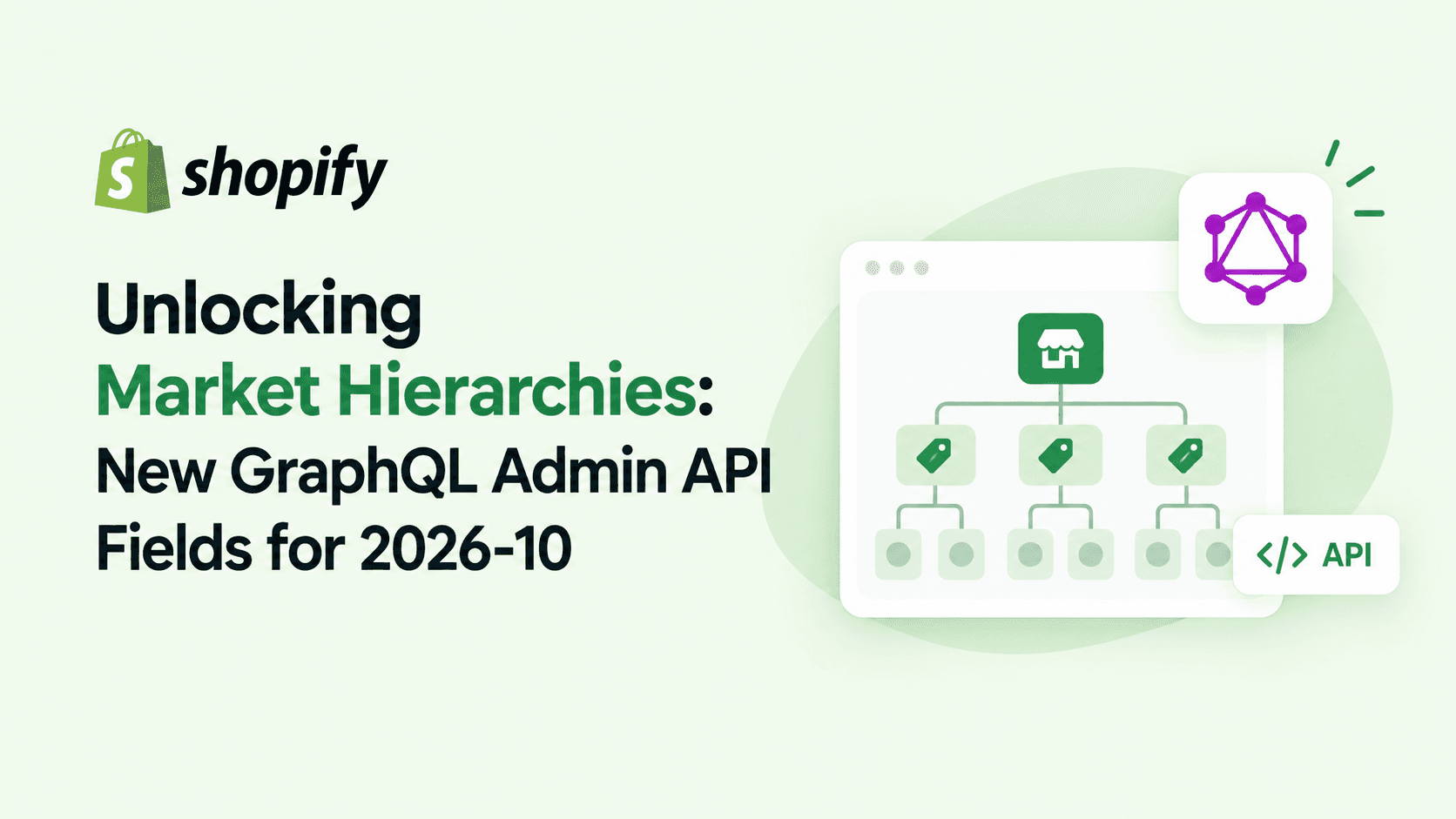
Shopify’s 2026-10 API now lets apps query parent‑child market relationships directly. Learn what changed, who it affects, and how to integrate the new marketRelationships query with actionable code examples.

Shopify’s metafieldsSet mutation now uses dynamic complexity costing, changing how API points are calculated. Learn what changed, who is affected, and how to adapt your code to stay within rate limits.
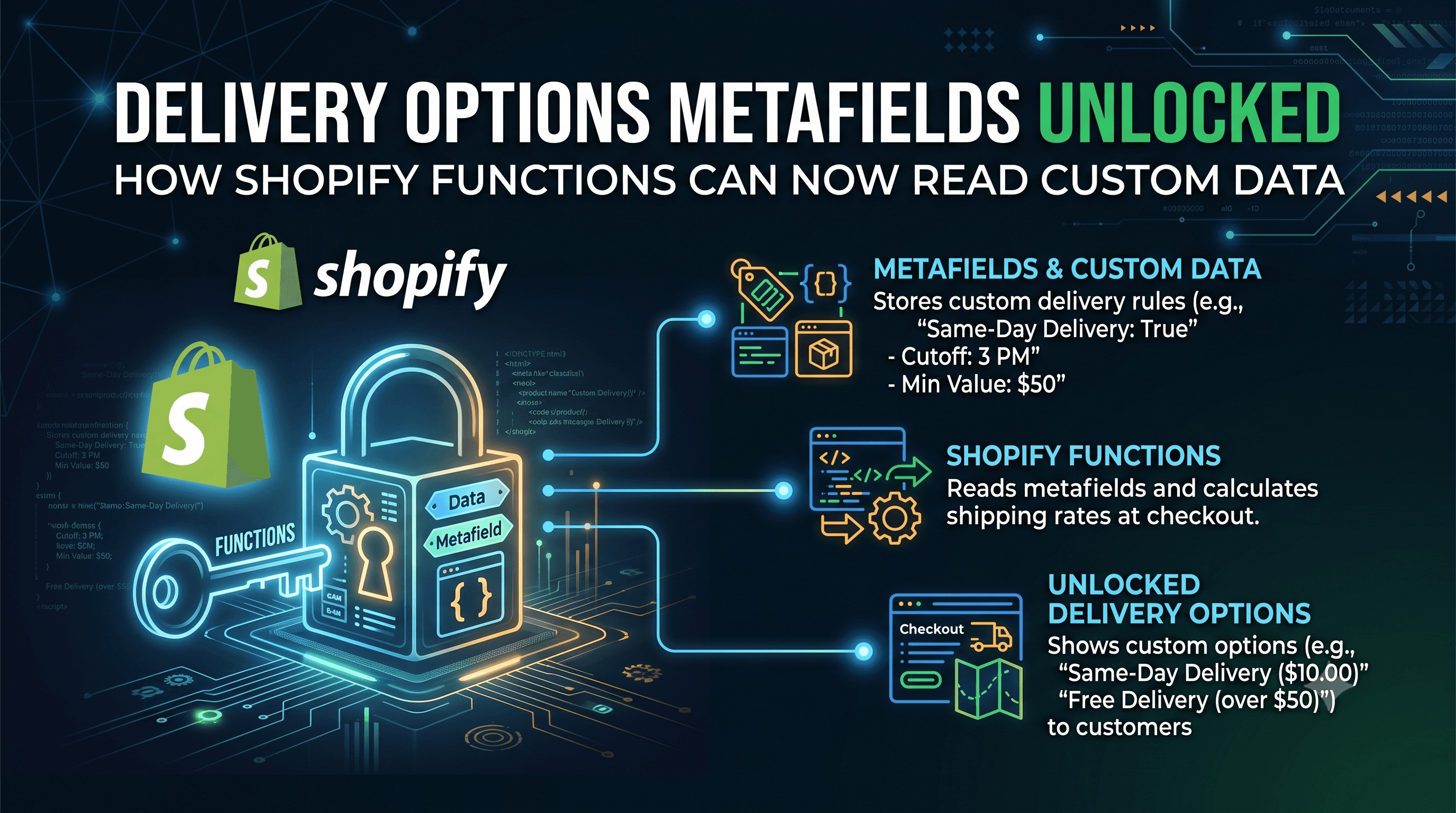
Shopify Functions can now read metafields attached to delivery options, enabling a clean contract between delivery generators and customization functions. Learn what changed, who it impacts, and how to update your GraphQL queries.

Shop Campaigns performance data is now queryable via ShopifyQL, giving developers and merchants deeper analytics without extra scopes. Learn what changed, who it impacts, and how to start pulling campaign metrics today.
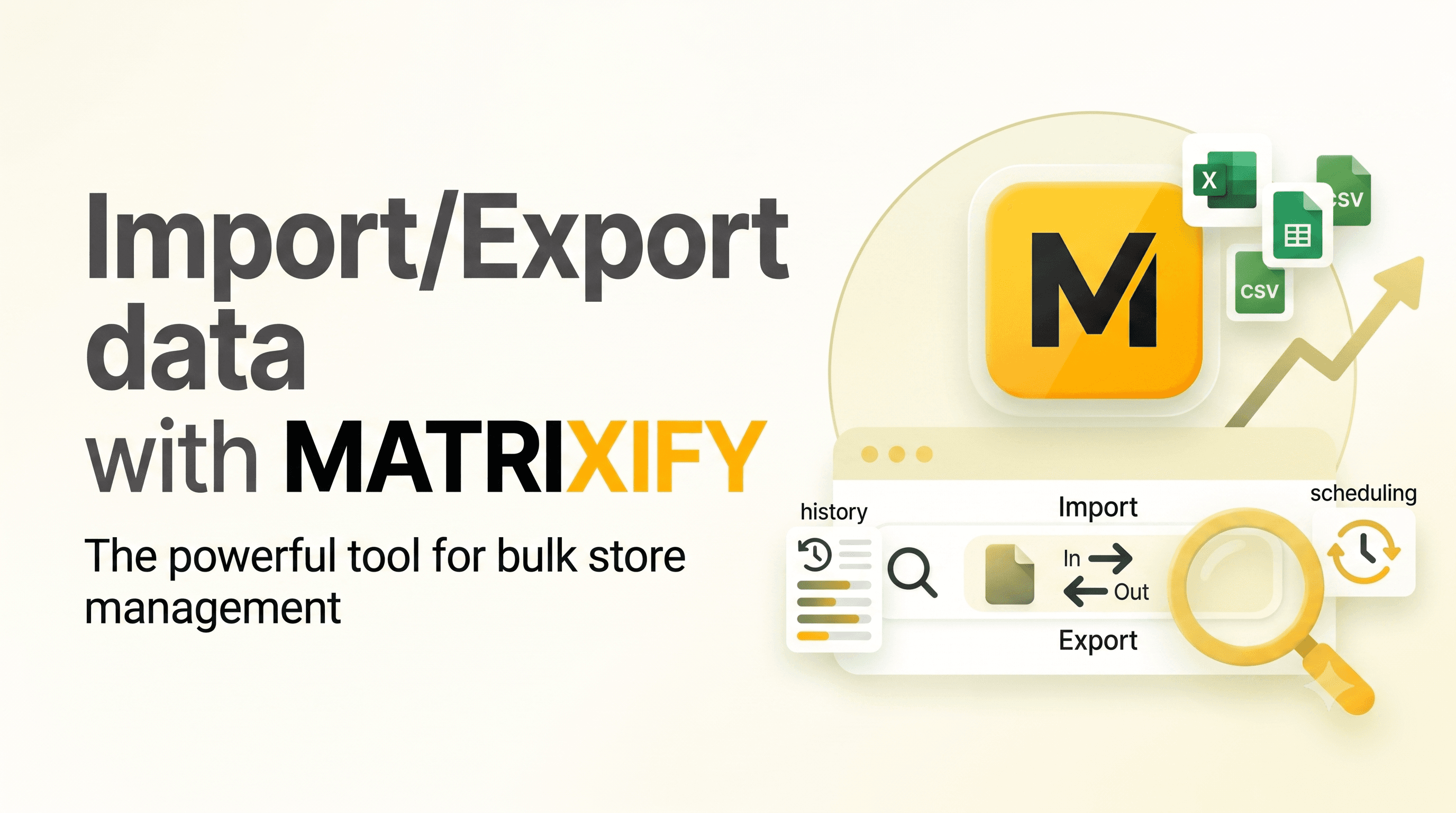
Let’s dive into how you can import and export data using Matrixify (formerly known as Excelify) for your Shopify store. Matrixify is a powerful app that allows you to manage your Shopify data in bulk.

Connecting GitHub to Shopify allows you to version control your theme code, collaborate with your team, and deploy changes smoothly

Elevate your Shopify store's blog experience with our tailored Blog Filter & Articles Search customization, designed to enhance content discoverability without the need for external apps.
Customize search, filtering, and product recommendations, so you can enhance your products’ relevance and sell more.

Shopify is continuously empowering merchants and developers with cutting-edge tools. Discover the latest updates, from granular product variant control and streamlined inventory transfers to local currency gift cards and powerful automation with ShopifyQL, designed to boost your efficiency and growth.

Learn how to add Tailwind CSS to Shopify for faster, responsive design. Enhance your store’s look with clean, utility-first styling. Perfect for theme customization
Use Excel or CSV spreadsheet files to easily migrate and create new complex navigation menu structures for your store.

Transform any digital screen or device into a sales channel—backed by the speed, power, and scalability of Shopify Plus.

Craft a warm welcome email for new subscribers, then seal their loyalty with a final email offering an exclusive discount

Let’s dive into how to autoplay a video on hover for a product card in a Shopify store. This feature can enhance the user experience on your website and make your product listings more engaging.

Easily hide product prices from guest visitors on your Shopify store. Require customers to log in to view prices and encourage account creation. Improve B2B privacy and control pricing visibility.
Start your Shopify dropshipping business with our step-by-step guide. Learn how to set up your store, find winning products, install top dropshipping apps, and grow your sales. Get started today!

Running flash sales, product launches, and major campaigns on Shopify often requires lots of manual effort—changing prices, updating themes, scheduling product visibility, and more.

By integrating Cursor AI—an intelligent AI-powered code editor—into your workflow, writing Liquid code becomes faster, cleaner, and more efficient.

Adding Google Analytics 4 (GA4) to your Shopify store allows you to track visitor behavior, conversions, and sales performance. Follow this updated step-by-step guide.

Discover how Shopify's newest updates empower merchants and developers with granular control over product variants, market-specific discounts, and powerful analytics-driven automation through Shopify Flow and ShopifyQL.

Here’s a structured article you could use (blog post, tutorial, or knowledge base) explaining how to create a "Back in Stock" function with Klaviyo on Shopify
Import navigation menus to your Shopify store from CSV files
Export your Shopify store menus to CSV format

Export and download all files from your Shopify store (not files that are used for product media)

This tutorial will show you how to bulk import Shopify Content Files using URL links into your Shopify stores Content > Files section