Introduction
The Search and Discovery app is a powerful tool designed to enhance the search experience and product discovery process within Shopify stores. It offers advanced search functionality and customizable filtering options, allowing merchants to improve the way customers navigate their product catalog.
With the Search and Discovery app, merchants can configure various search settings to prioritize relevant results, manage synonyms and stop words, and ensure accurate search results. Additionally, the app enables the creation of custom filters, such as categories, price ranges, sizes, colors, and more, helping customers quickly narrow down their product choices based on their preferences.
By integrating the Search and Discovery app into their storefront, merchants can provide an intuitive and efficient browsing experience for customers, ultimately leading to increased sales and customer satisfaction. With features for testing, optimization, and performance monitoring, the Search and Discovery app empowers merchants to continuously refine and improve the search and filtering capabilities of their Shopify store.
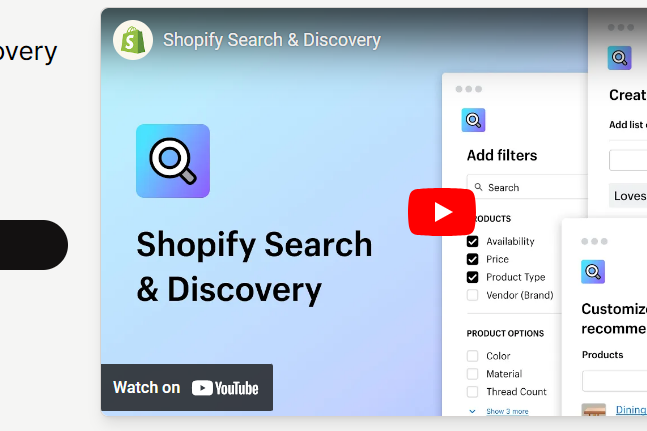
If you haven't already, install the Search and Discovery app from the Shopify App Store. This app provides advanced search and filtering capabilities for your Shopify store.
Filter
- Access the Search and Discovery app settings from your Shopify admin panel
- Select "Filter"
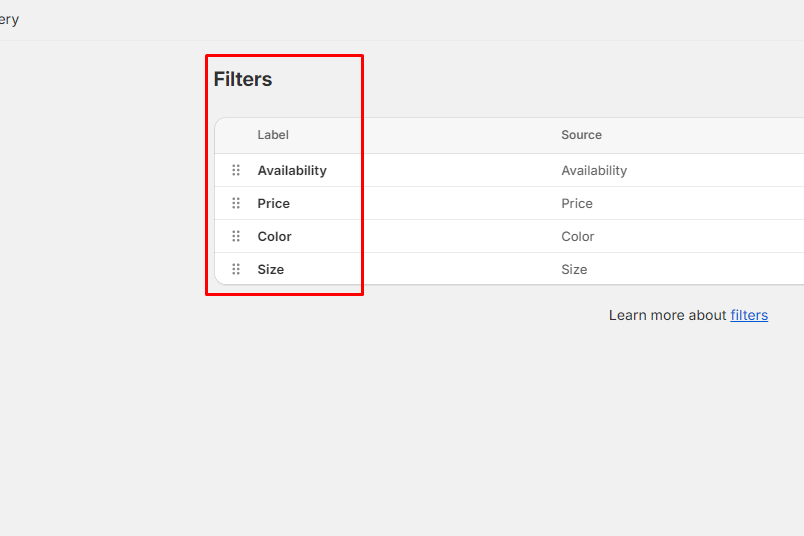
- Create the filters you want to use. Common filters include categories, price ranges, sizes, colors, and more.
- Customize each filter's options to match your product catalog. For example, if you're filtering by price, set the price ranges that make sense for your products.
Search
- Access the Search and Discovery app settings from your Shopify admin panel
- Select "Search"
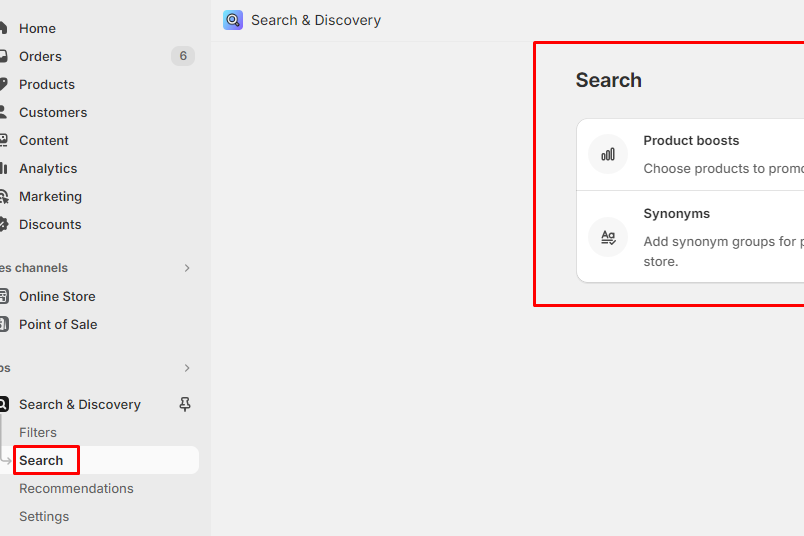
- Customize the search settings according to your preferences. This may include adjusting search priorities, synonyms, and stop words.
- Test the search bar into your storefront
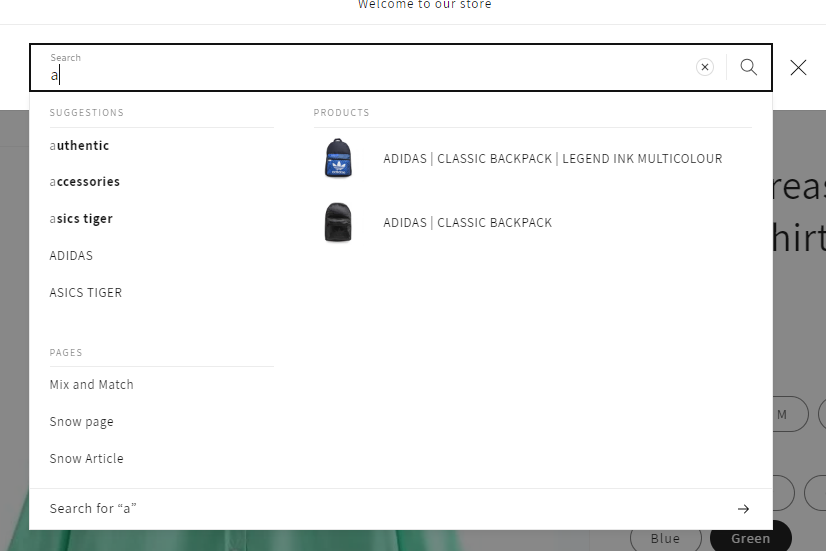
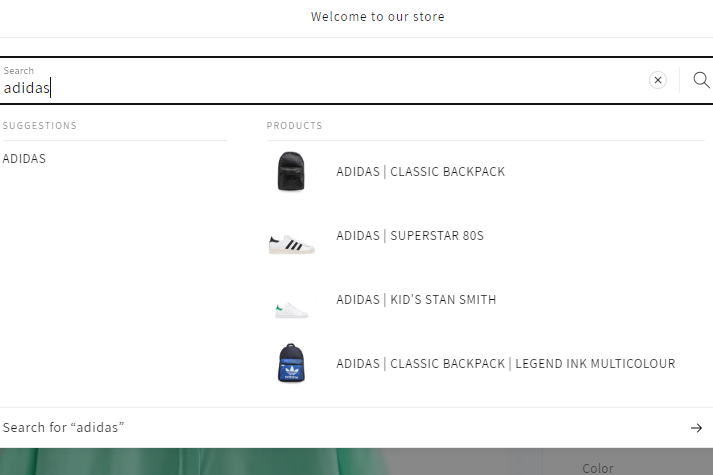
Related and Complementary products
Displaying recommended products to customers makes it easier for them to discover new products, and can help to increase online store sales.
Recommendation intents
Tailoring product recommendations across the customer's journey is a powerful way to help customers discover products. Recommendation intents are designed to recommend products using a targeted strategy.
Shopify provides the following types of recommendation intents:
Only related recommendations are auto-generated by Shopify. Complementary recommendations need to be manually set up.
Detailed Guide:
- Access the Search and Discovery app settings from your Shopify admin panel
- Select "Recommendations"
- Add Products you want to configure
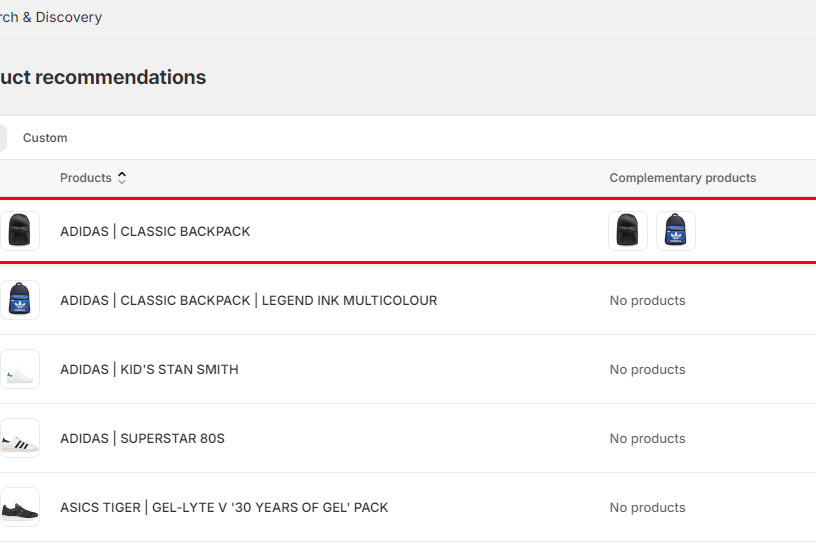
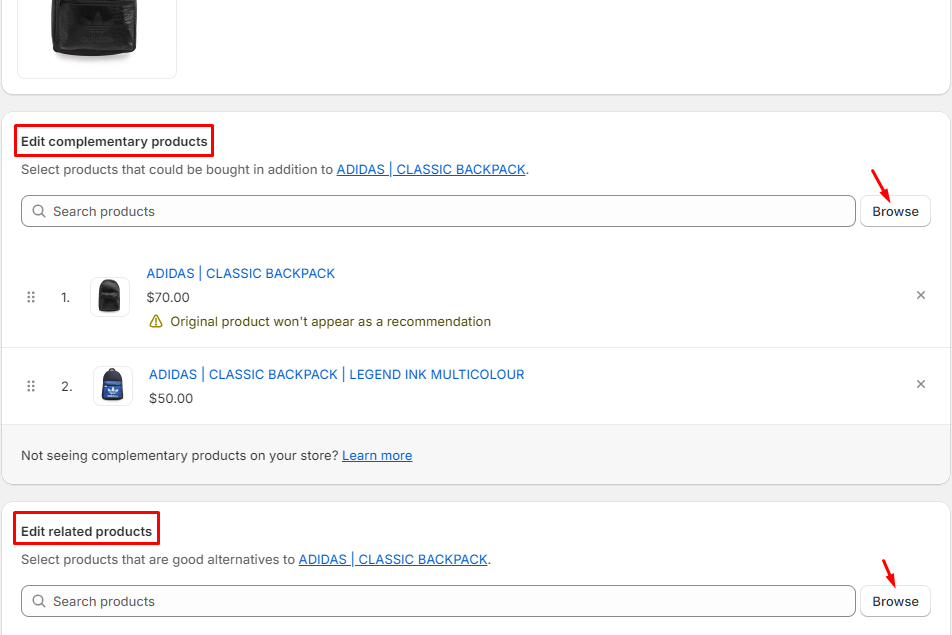
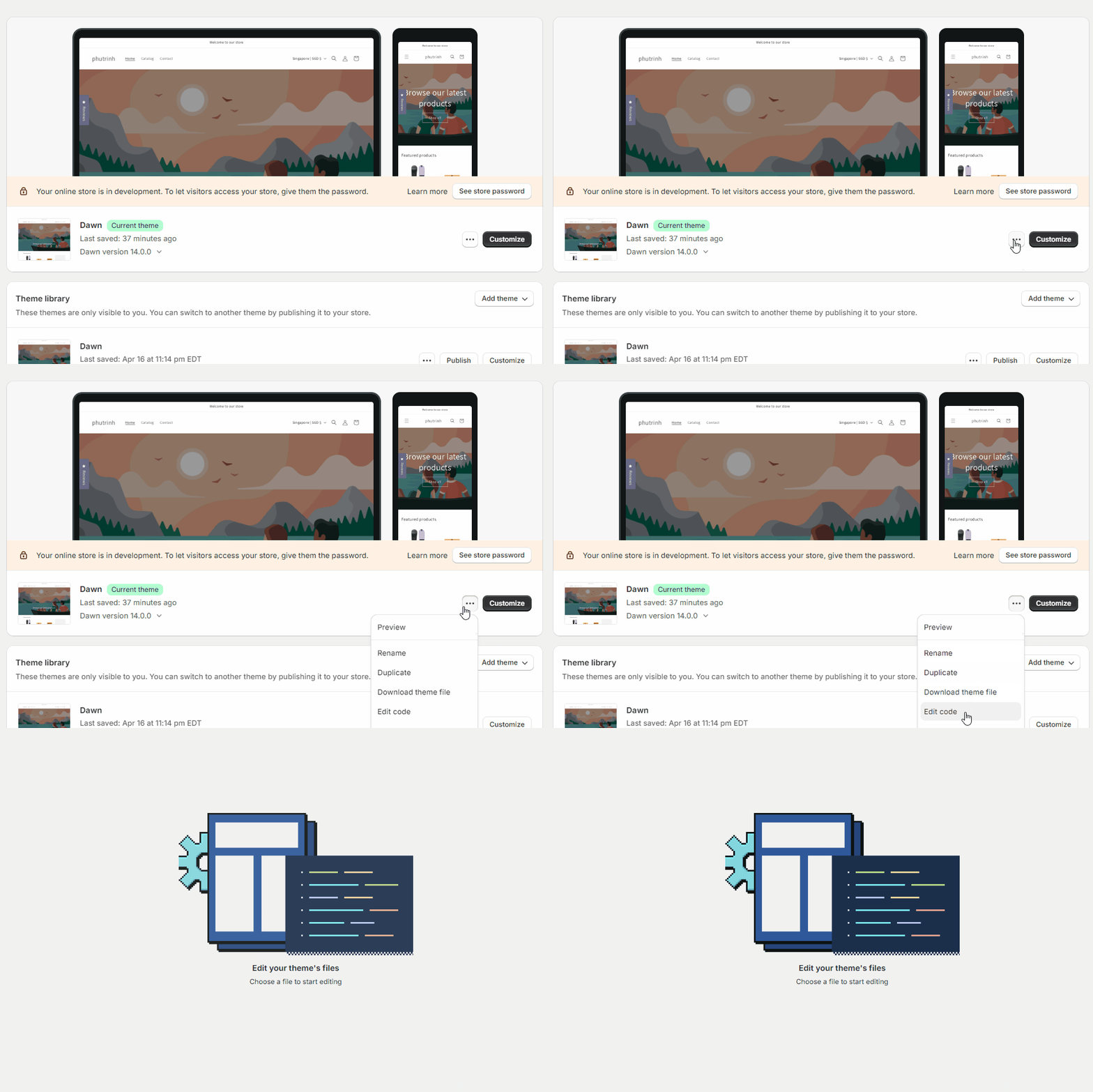
- Go to ... button > Edit code
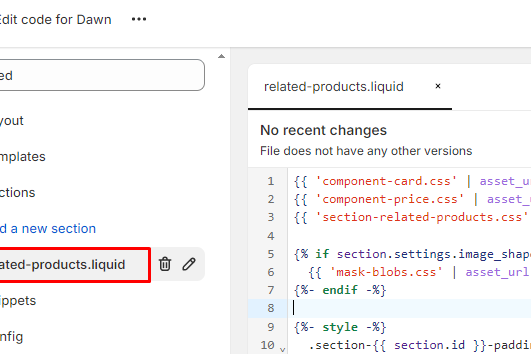
- Search or Scroll the file list on the left to find the file name "related-products.liquid" within Sections. (Depending on your store's theme, it will have different files. We will guide based on Dawn theme structure) .
- At the line #26. If you want it to show "Complementary products", you need to add more query param &intent=complementary
data-url="{{ routes.product_recommendations_url }}?section_id={{ section.id }}&product_id={{ product_id }}&limit=4&intent=complementary"data-url="{{ routes.product_recommendations_url }}?section_id={{ section.id }}&product_id={{ product_id }}&limit=4"