Shopify Dropshipping

Start your Shopify dropshipping business with our step-by-step guide. Learn how to set up your store, find winning products, install top dropshipping apps, and grow your sales. Get started today!

Shopify Dropshipping
0 sections

What is Dropshipping?

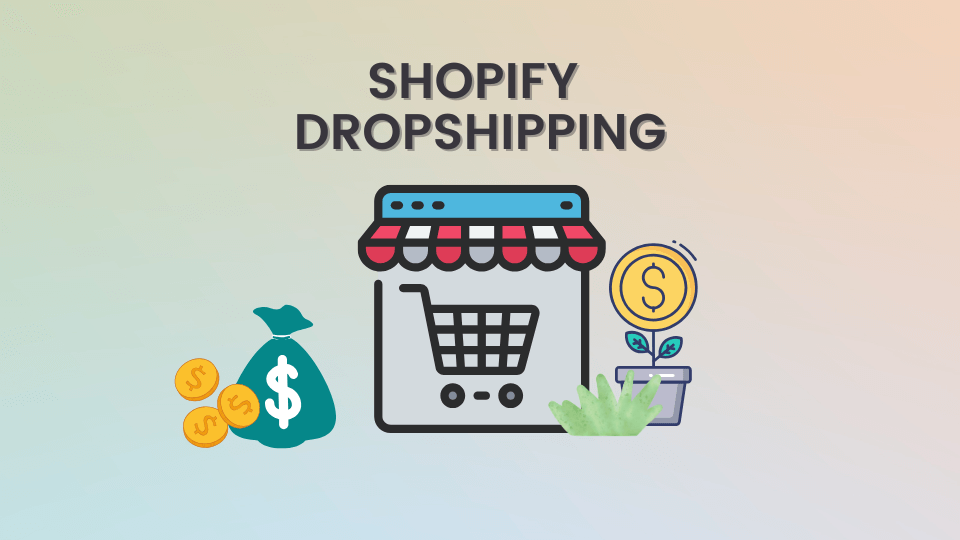
Dropshipping is a business model where you sell products without holding inventory. When a customer places an order, the supplier ships the product directly to them.

Set Up Your Shopify Store

Step 1: Sign Up for Shopify

  • Go to Shopify.com and sign up for a free trial.
  • Enter your store name, email, and business details.
  • Step 2: Choose a Theme and Customize Your Store

  • Navigate to Online Store > Themes and select a theme.
  • Customize the layout, colors, and branding to match your niche.
  • Step 3: Install a Dropshipping App

    Go to the Shopify App Store and install a dropshipping app:

  • DSers - AliExpress Dropshipping
  • CJ Dropshipping
  • Zendrop
  • These apps help you import products, automate order fulfillment, and manage suppliers.

    Step 4: Find and Import Products

  • Search for trending products in your niche.
  • Import products with high ratings, good supplier reviews, and fast shipping.
  • Set Up Payments and Shipping

    Step 5: Configure Payment Methods

  • Go to Settings > Payments
  • Enable Shopify Payments, PayPal, or Stripe for secure transactions.
  • Step 6: Set Up Shipping Rates

  • Use free shipping or flat-rate shipping for better conversions.
  • If using AliExpress, consider ePacket shipping for faster delivery.
  • Launch and Market Your Store

    Step 7: Create High-Converting Product Pages

  • Write compelling product descriptions.
  • Add high-quality images and customer reviews.
  • Step 8: Promote Your Store

  • Use Facebook & Instagram Ads to drive traffic.
  • Leverage SEO by writing blog posts with relevant keywords.
  • Partner with influencers to promote your products.
  • Manage Orders and Grow Your Business

    Step 9: Fulfill Orders Automatically

  • When a customer orders, use DSers to place the order with the supplier automatically.
  • Step 10: Provide Great Customer Support

  • Use Live Chat (Tidio, Shopify Inbox) for real-time support.
  • Offer hassle-free returns and refunds.
  • Final Thoughts

    Dropshipping with Shopify is a great way to start an online business with minimal investment. Focus on product research, marketing, and customer service to scale your store successfully.

    🚀 Ready to start? Sign up for Shopify and launch your dropshipping business today!

    Tags
    Related Articles

    Boost Sales Today: The Simple Power of Free Shipping Thresholds for Shopify Stores
    Tips & Tricks

    Boost Sales Today: The Simple Power of Free Shipping Thresholds for Shopify Stores

    Discover how implementing a strategic free shipping threshold can dramatically increase your Shopify store's conversion rates and average order value. Learn quick, actionable steps for both merchants and developers to set up and optimize this powerful tactic within a single day.

    May 16, 20266 min
    Boost Conversions: How to Add a Countdown Timer to Your Shopify Store
    Tips & Tricks

    Boost Conversions: How to Add a Countdown Timer to Your Shopify Store

    Learn how to add an urgency-driving countdown timer to your Shopify product pages and sales promotions. This tutorial covers methods from theme editor blocks to custom Liquid code and when to choose a dedicated app, helping you drive conversions.

    May 14, 20268 min
    Convert a Shopify Section to a Block (Horizon Theme version)
    Tips & Tricks

    Convert a Shopify Section to a Block (Horizon Theme version)

    In Horizon, Shopify allows developers to convert standalone sections into reusable blocks, giving merchants even more control in the theme editor. Let’s walk through the process step by step.

    May 10, 20267 min
    How to Add Tailwind CSS to Shopify
    Tips & Tricks

    How to Add Tailwind CSS to Shopify

    Learn how to add Tailwind CSS to Shopify for faster, responsive design. Enhance your store’s look with clean, utility-first styling. Perfect for theme customization

    May 10, 202615 min