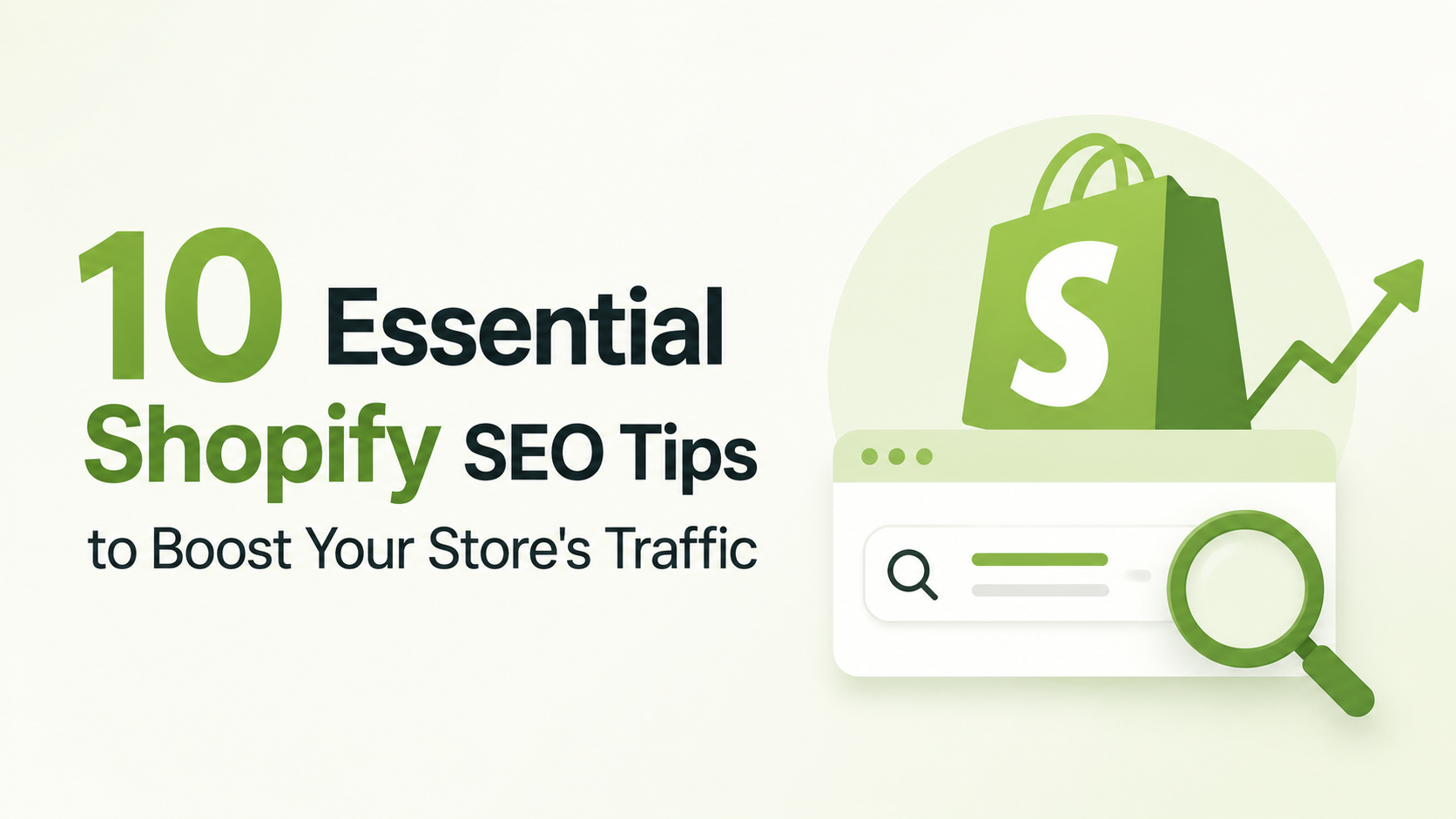
As a Shopify store owner, you know how important it is to drive traffic to your website. One of the most effective ways to do this is by optimizing your store for search engines. In this article, we'll share 10 essential Shopify SEO tips to help you boost your store's traffic and increase sales.
1. Conduct Keyword Research
Before you start optimizing your store, you need to conduct keyword research. This involves identifying the words and phrases your target audience uses to search for products like yours. You can use tools like Google Keyword Planner, Ahrefs, or SEMrush to find relevant keywords.
2. Optimize Your Product Pages
Your product pages are some of the most important pages on your website. Make sure each page includes relevant keywords in the title, description, and meta tags. Use high-quality product images and include alt text that describes the image.
3. Use Header Tags
Header tags (H1, H2, H3, etc.) help structure your content and make it easier for search engines to understand. Use header tags to break up your content and highlight important keywords.
4. Optimize Your Images
Images can slow down your website and negatively impact your SEO. Use image compression tools to reduce the file size of your images, and include alt text that describes the image.
5. Use Internal Linking
Internal linking helps search engines understand the structure of your website and can improve your SEO. Use internal linking to connect related products and pages.
6. Optimize Your Meta Tags
Your meta tags (title tag, meta description, etc.) are some of the most important HTML elements on your website. Use relevant keywords in your meta tags to improve your SEO.
7. Use Social Media to Drive Traffic
Social media can drive a significant amount of traffic to your website. Use social media platforms to promote your products and drive traffic to your website.
8. Monitor Your Analytics
Google Analytics can help you understand how users are interacting with your website. Use Google Analytics to monitor your traffic, conversion rates, and other key metrics.
9. Use SEO Tools
There are many SEO tools available that can help you optimize your website. Use tools like Ahrefs, SEMrush, or Moz to conduct keyword research, audit your website, and track your rankings.
10. Stay Up-to-Date with the Latest SEO Trends
SEO is constantly evolving, and it's essential to stay up-to-date with the latest trends and best practices. Follow SEO blogs and attend conferences to stay informed and improve your SEO skills.
In conclusion, optimizing your Shopify store for search engines requires a combination of technical and creative skills. By following these 10 essential Shopify SEO tips, you can improve your store's visibility, drive more traffic, and increase sales. Remember to stay up-to-date with the latest SEO trends and best practices to ensure your store remains competitive. Start optimizing your Shopify store today and watch your business grow!
Ready to take your Shopify store to the next level? Start by conducting keyword research and optimizing your product pages. Download our free SEO checklist to get started: [link to SEO checklist]