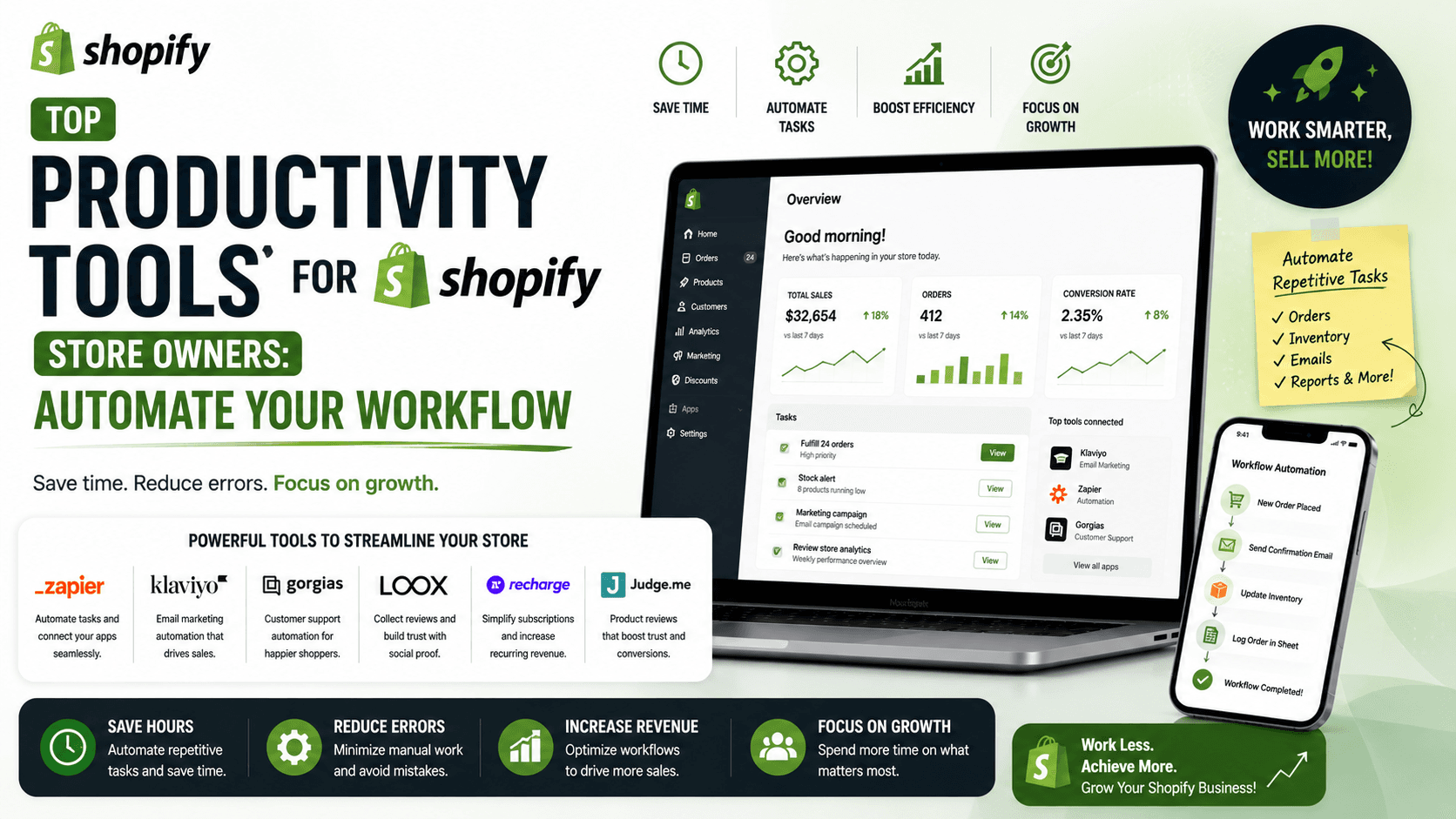
As a Shopify developer or store owner, having the right tools at your disposal can make all the difference in creating a successful and efficient online store. From streamlining theme development to optimizing images and improving SEO, the right utilities can save you time, reduce stress, and help you achieve your goals.
Introduction to Essential Shopify Development Tools
Shopify offers a range of tools to help developers build, test, and optimize their themes. Two of the most important tools are Shopify CLI and Theme Kit. Shopify CLI is a powerful command-line tool that allows you to quickly scaffold, test, and develop Shopify themes. Theme Kit, on the other hand, provides a set of tools for building, testing, and deploying Shopify themes.
Setting Up Shopify CLI and Theme Kit
To get started with Shopify CLI and Theme Kit, you'll need to install them on your computer. You can find installation instructions for both tools on the Shopify developer website. Once installed, you can use Shopify CLI to create a new theme, and Theme Kit to build, test, and deploy your theme.
Other Essential Tools for Shopify Developers
In addition to Shopify CLI and Theme Kit, there are many other tools that can help you with your Shopify development workflow. These include debugging tools like Shopify's built-in debugger, image optimization tools like TinyPNG, and SEO optimization tools like Google Search Console. You can also use analytics tools like Google Analytics to track your store's performance and make data-driven decisions.
Checklist for Shopify Developers
Here's a concise checklist to help you get started with the essential tools for Shopify developers:1. Install Shopify CLI and Theme Kit2. Set up a local development environment3. Familiarize yourself with debugging tools4. Optimize your images and SEO5. Track your store's performance with analytics tools
By following this checklist and using the essential tools outlined in this article, you'll be well on your way to creating a successful and efficient Shopify store.
Conclusion and Next Steps
In conclusion, having the right tools at your disposal is crucial for success as a Shopify developer or store owner. By leveraging the essential tools outlined in this article, you can streamline your theme development workflow, improve your store's performance, and drive more sales. To learn more about Shopify development and to get started with the tools outlined in this article, visit the Shopify developer website and explore the many resources available to you.