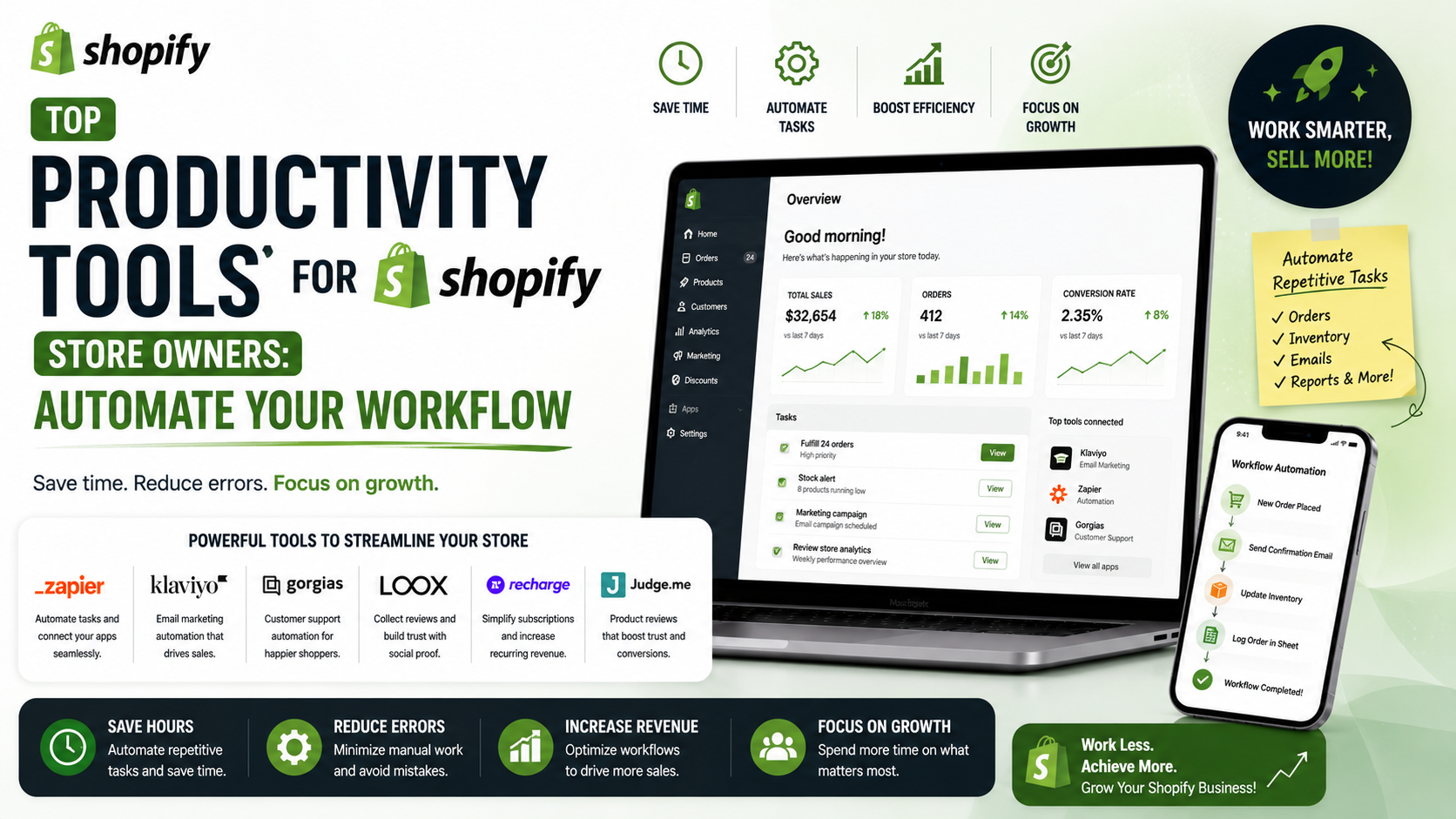
As a Shopify store owner, managing your daily business workflows can be overwhelming. From handling orders and inventory to marketing and customer support, there are numerous tasks that require your attention. Fortunately, there are many productivity tools available that can help you automate and streamline your workflows, freeing up more time to focus on growing your business.
Debugging and Testing Tools
Debugging and testing are crucial steps in ensuring that your Shopify store is running smoothly. Tools like Uplinkly and Tracktor can help you identify and resolve issues quickly, while also providing valuable insights into your store's performance. With these tools, you can automate tasks such as order tracking and inventory management, reducing the risk of human error and saving you time.
Image Optimization Tools
Optimizing your store's images is essential for improving page load times and enhancing the overall user experience. Tools like Crush Pics can help you compress and optimize your images, reducing the file size and improving page load times. This can lead to increased conversions and improved search engine rankings.
SEO and Analytics Tools
Search engine optimization (SEO) and analytics are critical components of any successful e-commerce strategy. Tools like SalesPop and PageFly can help you optimize your store's pages for better conversion rates, while also providing valuable insights into your store's performance. With these tools, you can track your store's traffic, sales, and customer behavior, making data-driven decisions to drive growth and improvement.
Product Research and Import Tools
Finding the right products to sell in your store can be a challenging task. Tools like the Shopify App Store's product research tools can help you discover new and trending products, while also providing valuable insights into product performance and customer demand. With these tools, you can automate the product research process, saving you time and reducing the risk of stocking outdated or unpopular products.
Conclusion and Next Steps
In conclusion, there are many productivity tools available that can help you automate and streamline your Shopify store's workflows. By leveraging these tools, you can free up more time to focus on growing your business, improving customer satisfaction, and driving sales. Remember to always evaluate your store's specific needs and choose the tools that best fit your requirements. Take the first step towards optimizing your store's workflow today and discover the benefits of productivity tools for yourself.
Checklist for Choosing Productivity Tools:1. Identify your store's specific needs and pain points2. Evaluate the tool's features and pricing3. Read reviews and check the tool's reputation4. Test the tool with a free trial or demo5. Assess the tool's customer support and resources