As a Shopify merchant or developer, you know how crucial it is to have a fast and seamless online store experience. One of the key factors that can slow down your storefront is large, unoptimized images. In this article, we'll explore the best image optimization tools and best practices to help you speed up your Shopify store's load times, improve SEO rankings, and boost sales.
Why Image Optimization Matters
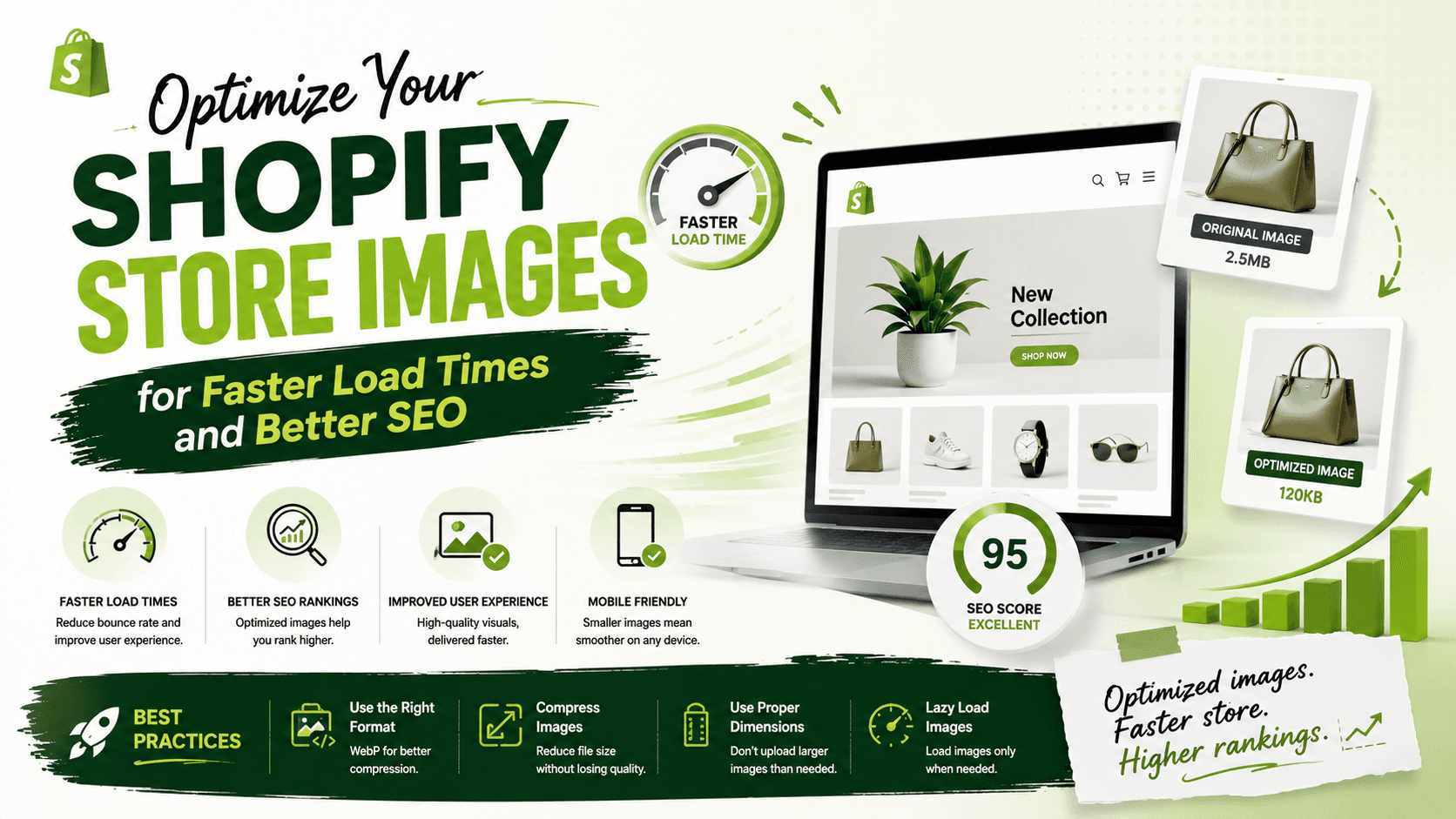
Image optimization is the process of reducing the file size of your images without compromising their quality. This is important because large images can slow down your storefront's load times, leading to a poor user experience and decreased conversions. By optimizing your images, you can improve your store's performance, increase user engagement, and even boost your SEO rankings.
Best Image Optimization Tools for Shopify
There are many image optimization tools available for Shopify, both free and paid. Some of the most popular tools include:
1. Shopify's Image Resizer: A free tool that allows you to resize and compress your images in bulk.
2. TinyPNG: A web-based tool that offers a range of format options and compression levels.
3. Crush: A specialized image optimization app for Shopify that offers 30-day backups and scalable plans.
4. LOGEIX's Free Image Compression Tool: A web-based tool that allows you to compress and optimize your images for free.
Best Practices for Image Optimization
In addition to using image optimization tools, there are several best practices you can follow to ensure your images are optimized for your Shopify store:
1. Use the correct image format: JPEG, PNG, and GIF are the most common image formats used on the web. Choose the format that best suits your image type.
2. Compress your images: Use an image compression tool to reduce the file size of your images without compromising their quality.
3. Resize your images: Make sure your images are the correct size for your storefront. Large images can slow down your store's load times.
4. Use alt text and descriptive text: Add alt text and descriptive text to your images to improve their accessibility and SEO.
Conclusion
Optimizing your Shopify store's images is crucial for improving your store's performance, user experience, and SEO rankings. By using the right image optimization tools and following best practices, you can ensure your images are optimized for your storefront and improve your overall online store experience.
Take the first step towards optimizing your Shopify store's images today. Try out one of the image optimization tools mentioned in this article and see the difference it can make for your online store.