
As a Shopify merchant or developer, you're constantly looking for ways to make your store run smoother, perform better, and delight your customers. While Shopify provides a robust platform, the true magic often happens when you augment it with the right utilities and tools. These aren't just fancy add-ons; they're essential gears that optimize everything from page load speeds to customer communication, ultimately driving efficiency and growth.
Today, we're diving into a curated selection of practical utilities that can significantly impact your store's performance, customer experience, and overall workflow. We'll explore their setup, real-world use cases, and important considerations to help you choose wisely.
1. Boost Performance & SEO with Image Optimization
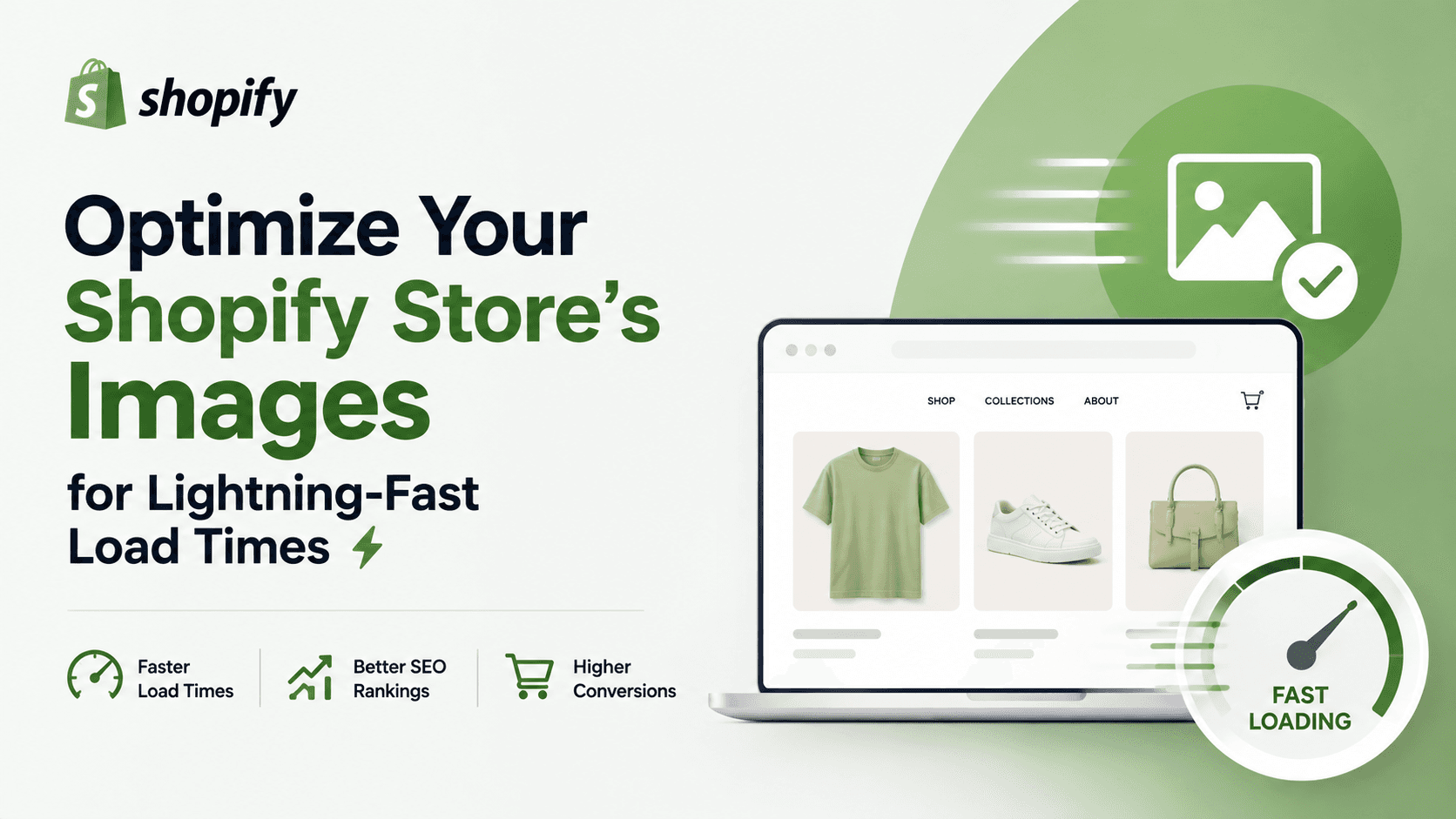
High-quality images are crucial for showcasing products, but large image files are often the biggest culprit behind slow page load times. Slow sites frustrate users, increase bounce rates, and negatively impact your search engine rankings (SEO).
This is where image optimization utilities come in. They automatically compress and optimize your product images without sacrificing visual quality, ensuring your store remains fast and responsive.
An excellent example, as highlighted by fellow merchants, is Crush Pics (or similar apps like Image Optimizer & Compressor). These tools often use smart compression algorithms and can even convert images to next-gen formats like WebP.
Setup & Use Cases:
Typically, you install the app from the Shopify App Store, grant necessary permissions, and then configure its settings. Many offer automatic optimization of new uploads and bulk optimization for existing images. You can usually choose compression levels. The primary use cases include:
Improving Core Web Vitals (LCP, FID, CLS), which are critical for SEO.
Enhancing user experience by reducing load times, especially on mobile devices.
Saving bandwidth costs if you have a high-traffic store.
Limitations:
While powerful, be mindful of over-compression, which can degrade image quality noticeably. Always preview optimized images. Some advanced features might be locked behind paid plans, and for developers, integrating with a specific build process might require custom solutions.
2. Gain Actionable Insights with Robust Analytics
Knowing what's happening on your store is paramount to making informed decisions. Shopify's built-in analytics provide a good overview, but for deeper insights into customer behavior, traffic sources, and conversion funnels, a dedicated analytics tool is indispensable.
The go-to solution for many is Google Analytics. Whether you're using the older Universal Analytics or have migrated to GA4, it provides a wealth of data to understand your audience and their journey.
Setup & Use Cases:
Setting up Google Analytics on Shopify typically involves pasting your tracking ID/measurement ID into your Shopify admin settings (Online Store > Preferences) or using a dedicated app. For developers, custom event tracking through Google Tag Manager offers even more granular data. Key use cases include:
Tracking website traffic: Where do visitors come from? What devices do they use?
Analyzing customer behavior: Which pages are most popular? Where do users drop off?
Measuring conversion rates for products, collections, and marketing campaigns.
Identifying top-performing marketing channels.
Limitations:
Google Analytics has a learning curve due to its extensive features. Data privacy regulations (like GDPR and CCPA) require careful implementation and consent management. Also, relying solely on GA can sometimes miss nuances that qualitative data or A/B testing can provide.
3. Enhance Customer Experience & Reduce Support Load with Order Tracking
One of the most frequent customer inquiries for any e-commerce store is, "Where's my order?" Providing an easy, branded way for customers to track their packages significantly improves customer satisfaction and frees up your support team.
Utilities like Tracktor offer a centralized, branded tracking page right on your Shopify store, integrating with multiple shipping carriers.
Setup & Use Cases:
Install the app, connect your relevant shipping carriers (e.g., USPS, FedEx, DHL), and it will automatically pull tracking information into your Shopify orders. You can then add a link to your store's navigation or email templates. Use cases include:
Reducing "Where's my order?" customer service tickets.
Providing a professional, branded tracking experience, which builds trust.
Automating proactive delivery updates (though this might be a separate feature or app).
Offering transparency and peace of mind to customers.
Limitations:
Accuracy relies on the carrier's data, which can sometimes have delays. Integration with less common or regional carriers might be limited. Also, while it reduces inquiries, it doesn't solve actual shipping issues, which still require manual intervention.
4. Optimize Conversions with Micro-UX Tools
Sometimes, the smallest changes can yield significant conversion boosts. Micro-UX (user experience) tools focus on refining interactions to remove friction and guide customers towards a purchase. One simple yet highly effective utility is a Sticky Cart button (as mentioned by Reddit users).
A sticky cart button or add-to-cart bar remains visible on the screen as users scroll, making it easy for them to add items or proceed to checkout without having to scroll back up.
Setup & Use Cases:
Apps for sticky carts are typically plug-and-play. Install from the App Store, toggle it on, and customize its appearance (color, position, text) to match your brand. No complex coding is usually required. Use cases include:
Improving mobile conversion rates by always keeping the CTA in view.
Reducing friction in the buying journey, especially on long product pages.
Drawing attention to the add-to-cart action, reminding users of their intent.
Limitations:
If poorly implemented or too obtrusive, a sticky element can annoy users. Always test its impact on user experience and conversion rates (A/B testing is recommended). Ensure it doesn't obscure other important content.
Your Utility Toolkit Checklist & Decision Guide
Choosing the right utilities requires a strategic approach. Use this checklist to guide your decisions:
Define the Problem: What specific inefficiency or bottleneck are you trying to solve? (e.g., slow pages, high support volume, low conversions).
Check Shopify Native Features: Can Shopify's built-in functionalities or free tools (like Shopify's own business tools) address your need before looking at third-party apps?
Read Reviews & Ratings: On the Shopify App Store, pay close attention to recent reviews, support quality, and developer responsiveness.
Assess Performance Impact: Does the app add significant script bloat or slow down your site? Use tools like Google PageSpeed Insights before and after installation.
Consider Integration: How well does it integrate with your existing theme and other apps? Will it cause conflicts?
Cost vs. Value: Evaluate the subscription cost against the potential ROI (time saved, increased conversions, improved CX). Many offer free trials.
Developer Needs: For developers, consider API access, customizability, and ease of debugging.
Conclusion
The Shopify ecosystem thrives on its extensibility. By strategically incorporating utilities for performance, analytics, customer experience, and micro-conversions, you can build a more efficient, customer-friendly, and profitable online store. These tools aren't just conveniences; they're investments in your brand's future, allowing you to focus on what you do best: selling amazing products.
Ready to streamline your workflow? Explore the Shopify App Store, start with one tool that addresses your most pressing need, and watch your store become a lean, mean, selling machine.