
In the fast-paced world of eCommerce, every second counts. A slow-loading Shopify store doesn't just annoy visitors; it actively drives them away, costing you sales and damaging your search engine rankings. While many factors contribute to site speed, one of the most common and easily fixable culprits is unoptimized images.
For both Shopify merchants striving for higher conversions and developers building lightning-fast themes, mastering image optimization isn't just a best practice—it's a critical utility. Today, we'll dive deep into how dedicated image optimization tools can transform your Shopify store's performance, user experience, and bottom line.
Why Image Optimization is Non-Negotiable for Shopify Success
Think about your own online shopping experience. Would you wait more than a few seconds for a product page to load? Probably not. Research consistently shows that even a one-second delay in page response can lead to a significant drop in conversions and page views.
Here’s why optimizing your product, collection, and banner images is crucial:
Improved Page Load Speed: Large image files are often the biggest contributors to slow page load times. Optimized images reduce bandwidth usage and help your pages render faster.
Enhanced SEO Performance: Search engines like Google prioritize fast-loading websites, especially on mobile. Page speed is a ranking factor, and optimized images contribute directly to better Core Web Vitals scores.
Better User Experience (UX): Visitors expect a seamless browsing experience. Fast loading images mean less frustration, lower bounce rates, and a more enjoyable journey through your store.
Increased Conversion Rates: A faster, smoother experience builds trust and keeps customers engaged, making them more likely to complete a purchase.
Reduced Hosting Costs (for self-hosted assets): While Shopify handles CDN for store content, optimized images still reduce the data transferred, benefiting everyone.
The Core of Image Optimization: Strategies and Formats
Image optimization isn't just about making files smaller; it's about finding the perfect balance between file size and visual quality. Here are the key strategies:
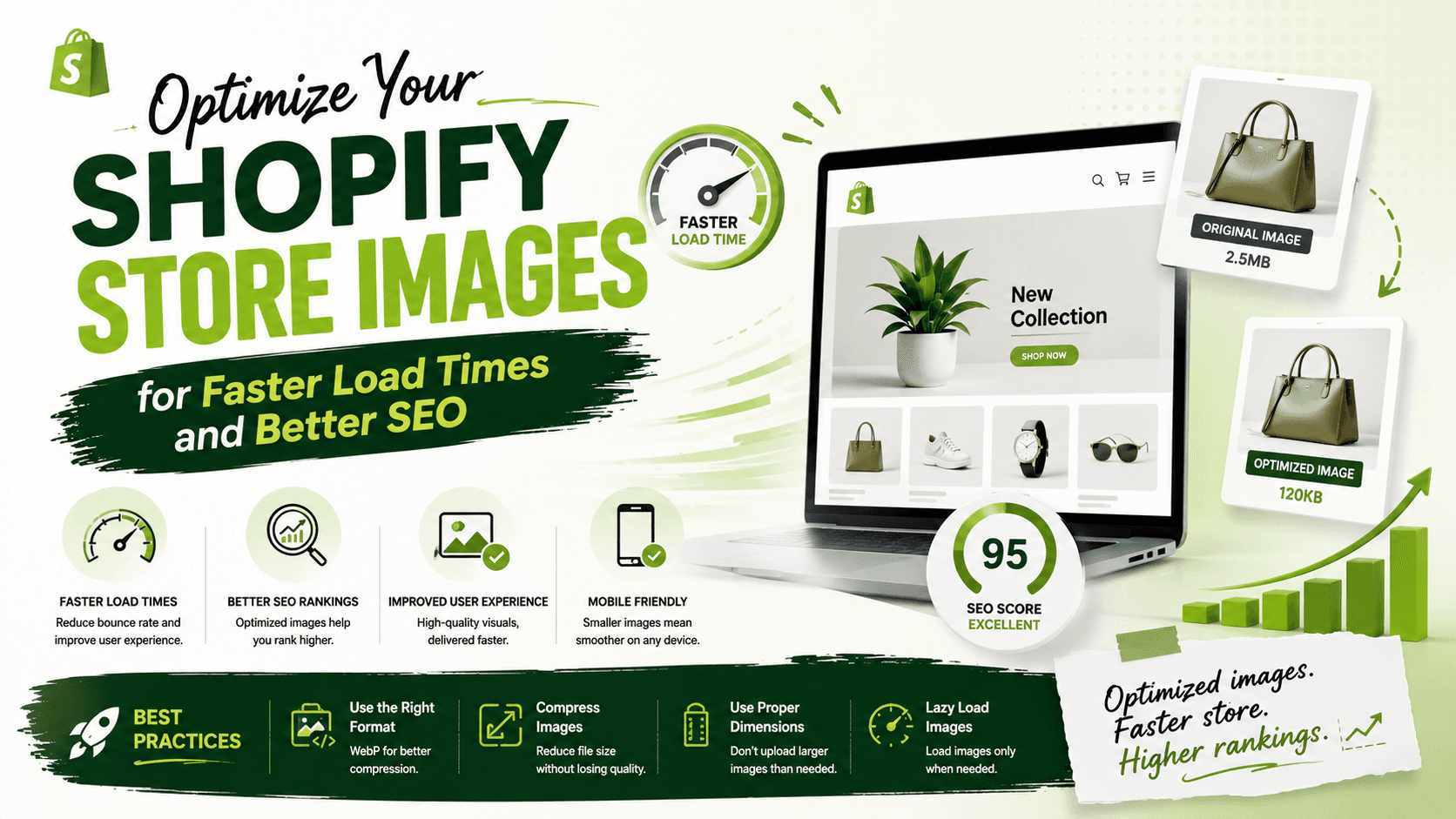
Compression: This is the primary method. Lossless compression reduces file size without any quality degradation (by removing metadata). Lossy compression significantly reduces file size by selectively discarding some data, which can lead to minor, often imperceptible, quality loss. Most apps offer a balance.
Resizing and Scaling: Ensure images are displayed at their optimal dimensions. Uploading a 4000px wide image only to display it at 800px is wasteful. While Shopify themes often handle responsive scaling, providing appropriately sized source images is always best.
Next-Gen Formats (WebP): Modern formats like WebP offer superior compression and quality characteristics compared to older formats like JPEG and PNG. Converting your images to WebP can yield significant file size reductions without compromising visual fidelity. Shopify natively supports WebP delivery in many contexts.
Lazy Loading: This technique defers the loading of images that are off-screen until the user scrolls near them. Most modern Shopify themes (and browsers) implement lazy loading by default, but some optimization apps can fine-tune its implementation.
Descriptive Alt Text: While not directly impacting file size, meaningful alt text is crucial for SEO (helping search engines understand image content) and accessibility (for visually impaired users).
The Utility Powerhouse: Shopify Image Optimization Apps
Manually optimizing every image for your store can be a time-consuming nightmare, especially for larger inventories. This is where dedicated Shopify apps shine as essential utilities, automating the process and ensuring consistent optimization across your entire store.
One highly recommended option mentioned by Shopify store owners is Crush Pics. Other popular apps include TinyIMG, Image Optimizer, and SEO Image Optimizer & Resizer. These apps generally offer a similar set of powerful features:
Automatic & Bulk Optimization: Scan your existing images and optimize them in bulk. New images are automatically optimized upon upload.
WebP Conversion: Automatically convert images to the WebP format, serving it to compatible browsers while retaining older formats for others (often called 'picture element' implementation).
Alt Text Management: Many apps can automatically generate descriptive alt text based on product titles or filenames, saving immense time.
Image Resizing: Some apps can also handle resizing images to standard dimensions for consistency.
Quality Control: You typically have control over the compression level (e.g., normal, aggressive) to balance file size and visual fidelity.
Setting Up an Image Optimization App: A General Workflow
The setup process for most image optimization apps is straightforward:
Browse the Shopify App Store: Search for 'image optimizer' or specific apps like 'Crush Pics'.
Install and Grant Permissions: The app will require access to your Shopify store's image assets to perform its function.
Configure Settings: Choose your desired compression level (e.g., balanced for quality and speed), enable WebP conversion, and set up automatic alt text generation if available.
Initiate Bulk Optimization: For existing stores, run an initial scan and optimization of all current images. This might take some time depending on your store's size.
Monitor and Review: After optimization, check your store's speed (using tools like Google PageSpeed Insights) and visually inspect images to ensure quality meets your standards.
Benefits for Merchants and Developers
For Shopify Merchants:
Hands-off Performance Boost: Set it and forget it. The app handles the heavy lifting.
Improved Customer Experience: Happy customers browsing a speedy store.
Higher SEO Rankings: More organic traffic means more potential sales.
Direct Impact on Sales: Faster sites convert better, directly affecting your revenue.
For Shopify Developers:
Build Performant Themes: Ensure your themes are optimized even with client-uploaded content.
Reduce Client Support: Fewer complaints about slow sites due to image bloat.
Adherence to Best Practices: Automatically implement modern image formats and lazy loading without custom code.
Focus on Core Development: Spend less time on manual asset optimization and more on features.
Limitations and Considerations
While powerful, image optimization apps aren't a magic bullet:
Cost: Most robust apps are paid subscriptions, but the ROI from increased speed and conversions often justifies the expense.
Quality Trade-offs: Aggressive lossy compression can, in rare cases, lead to noticeable quality degradation. Always review results.
Not a Full Speed Solution: Images are a big part, but other factors like theme code, third-party apps, and server response times also impact speed.
Source Image Quality: Apps can optimize, but they can't create quality from a poor source. Always upload high-resolution, well-shot images initially.
Your Shopify Image Optimization Checklist
Before you launch or even as a periodic check-up, ask yourself the following:
Do I have an image optimization app installed and configured (e.g., Crush Pics, TinyIMG)?
Are all my existing images optimized using a bulk scan?
Is new image optimization automated upon upload?
Am I leveraging next-gen formats like WebP (if my app supports it)?
Is my alt text descriptive for all key product and collection images?
Have I checked my store's performance with Google PageSpeed Insights before and after optimization?
Are my base images high-quality and appropriately sized before upload?
Conclusion: Unlock Your Store's Full Potential
Image optimization is a foundational element for a successful Shopify store. By embracing the power of dedicated utility apps, merchants can effortlessly boost their site speed, improve SEO, and create a superior shopping experience that directly impacts conversion rates. Developers, in turn, can ensure their creations are performant and resilient, providing maximum value to their clients.
Don't let heavy images hold your Shopify store back. Invest in a solid image optimization strategy and watch your efficiency, engagement, and sales soar!