As inventory management grows increasingly complex for retail businesses, Stocky has become one of the most debated apps in the Shopify ecosystem. Here is a breakdown of what Stocky does, why it is hot topic on the forums, and whether it is right for your store.
1. What is Stocky?
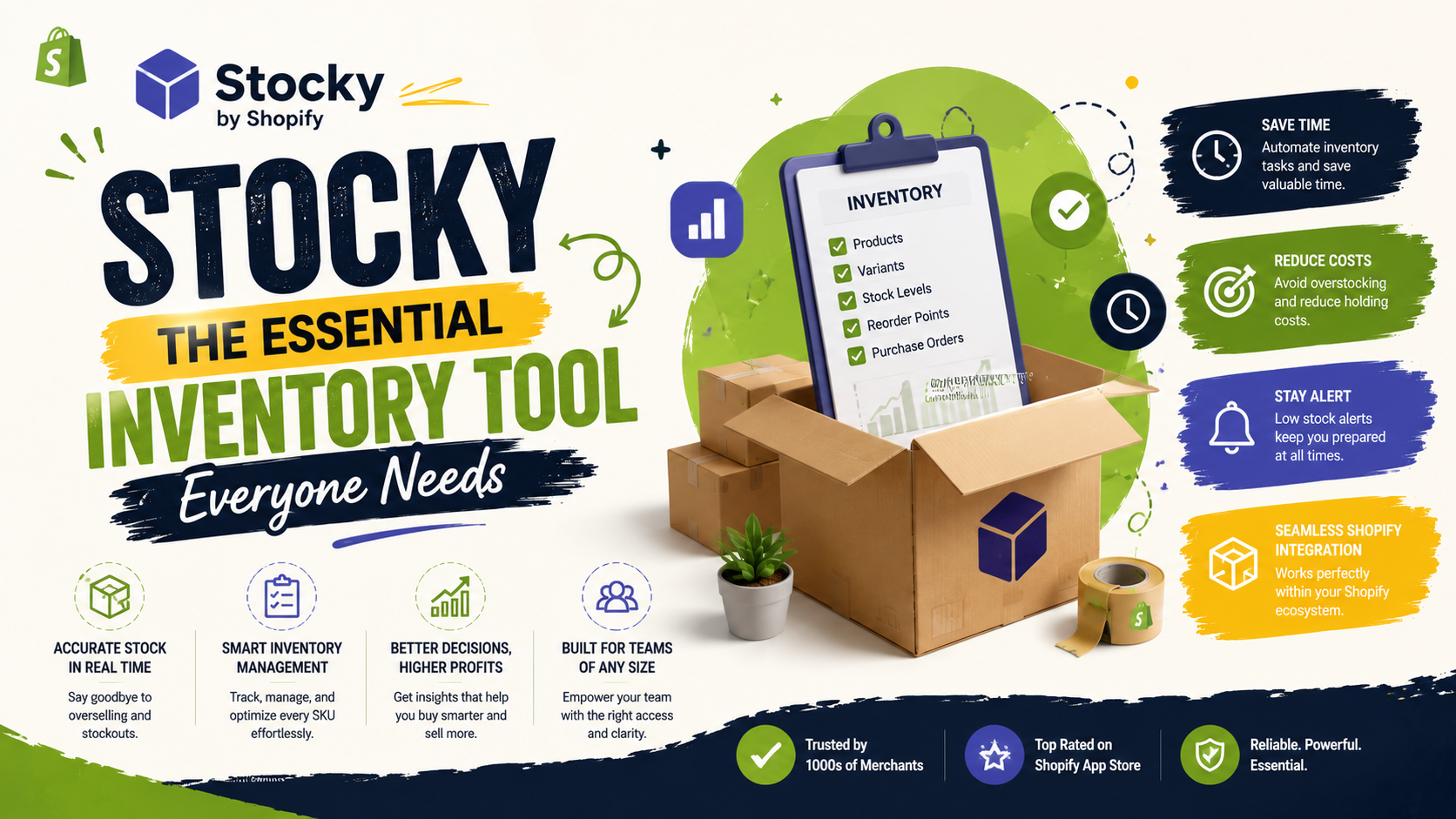
Stocky is an official inventory management app developed by Shopify. Designed specifically for merchants using Shopify POS Pro, Stocky helps offline and multi-channel retailers manage stock levels, forecast demand, handle purchase orders, and reduce inventory holding costs.
Unlike basic Shopify admin inventory tracking—which simply counts stock up and down—Stocky acts as an operational hub for stock management.
2. Key Features That Make Stocky Useful
3. Why Is Everyone Discussing Stocky on Shopify Forums?
If you check the Shopify forums, opinions on Stocky are lively and mixed. Here is why it receives so much attention:
The Positives:
The Forum Pain Points (Common Topics):
4. Who Should Use Stocky?
| Ideal For | Not Recommended For |
|---|---|
| Retail stores using Shopify POS Pro | Pure e-commerce stores with simple catalog setups |
| Businesses managing multiple locations | Stores needing complex raw material/manufacturing tracking |
| Merchants wanting automated Purchase Orders | High-volume enterprises requiring instant ERP integrations |
Final Thoughts
Stocky bridges the gap between basic inventory tracking and full-fledged ERP systems. For brick-and-mortar stores operating on Shopify POS Pro, it offers powerful forecasting and purchase ordering tools that can save thousands in overstocking costs—provided you take the time to set up your supplier and cost data correctly.