
As a Shopify store owner or developer, you know how important it is to have a fast and optimized online store. One of the key factors that can slow down your store's load times is image file size. Large image files can take longer to load, which can negatively impact your store's performance, SEO, and user experience. In this article, we'll explore the best image optimization tools and practices to help you improve your Shopify store's load times, SEO, and overall performance.
Why Image Optimization Matters
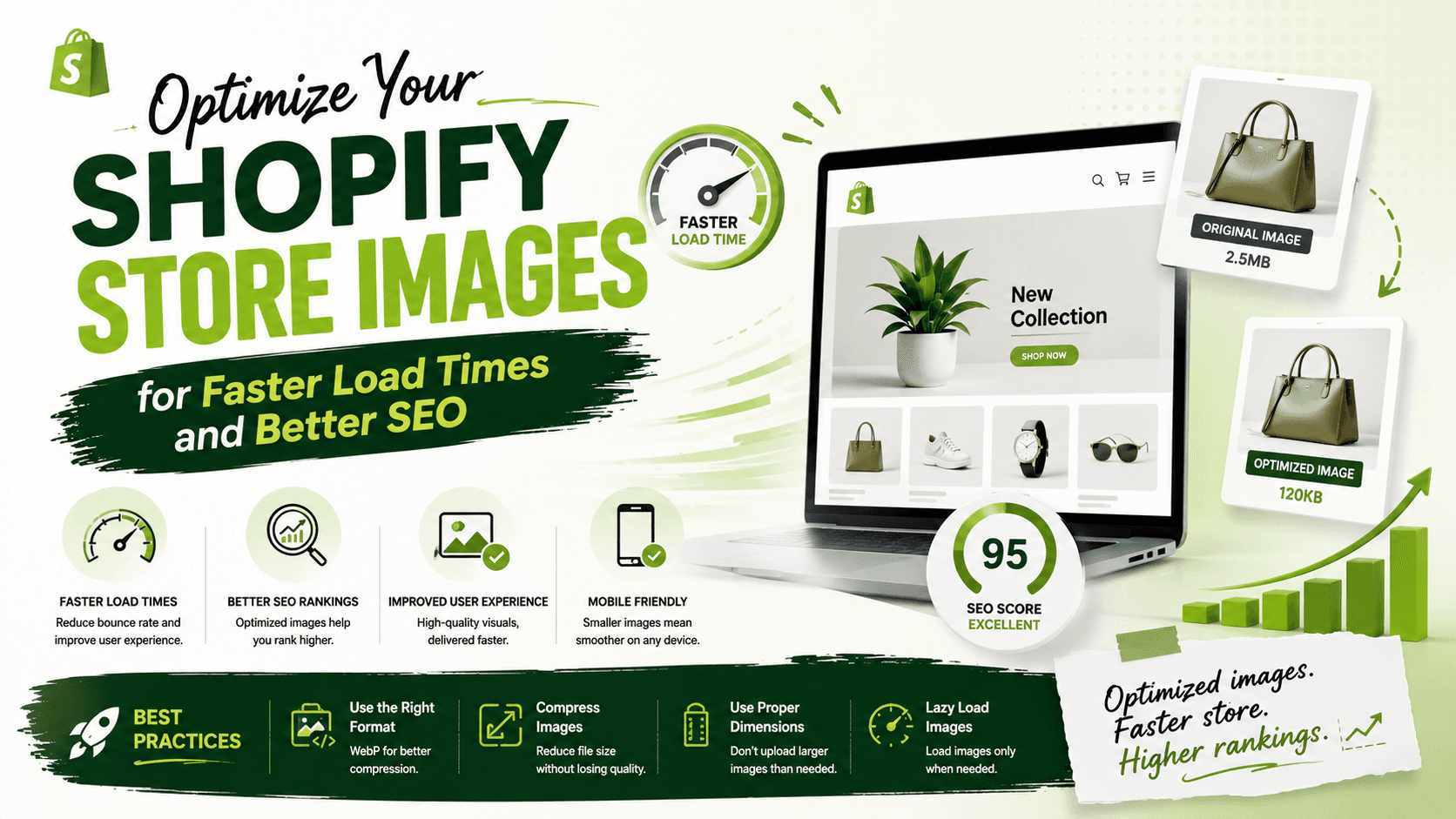
Image optimization is crucial for several reasons. Firstly, it can significantly improve your store's page load times. According to Google, a one-second delay in page load times can result in a 7% reduction in conversions. Secondly, optimized images can improve your store's SEO. Search engines like Google use page load times as a ranking factor, so optimizing your images can help improve your store's visibility in search results. Finally, optimized images can also improve your store's user experience. Faster load times and smaller file sizes can make it easier for customers to browse and shop on your store, leading to increased sales and customer satisfaction.
Best Image Optimization Tools for Shopify
There are many image optimization tools available for Shopify, both free and paid. Some popular options include TinySEO, Crush, LOGEIX, and Benchmark Hero. These tools can help you compress and optimize your images, reduce file sizes, and improve page load times. Additionally, some tools like TinyIMG and AVADA SEO Suite offer advanced features like automatic alt text generation and JSON-LD schema markup.
Best Practices for Image Optimization
In addition to using image optimization tools, there are several best practices you can follow to optimize your images. These include using the correct file format (e.g. PNG or JPEG), resizing images to the correct dimensions, and using descriptive alt text and file names. You should also consider using a content delivery network (CDN) to distribute your images across multiple servers, which can help reduce load times and improve performance.
Conclusion and Next Steps
In conclusion, image optimization is a critical component of any Shopify store's performance and SEO strategy. By using the right tools and following best practices, you can significantly improve your store's load times, SEO, and user experience. To get started, try out some of the image optimization tools mentioned in this article, and follow the best practices outlined above. Remember to regularly monitor your store's performance and make adjustments as needed to ensure optimal results.
Checklist: Use an image optimization tool to compress and optimize your images Use the correct file format (e.g. PNG or JPEG) Resize images to the correct dimensions Use descriptive alt text and file names Consider using a content delivery network (CDN)