
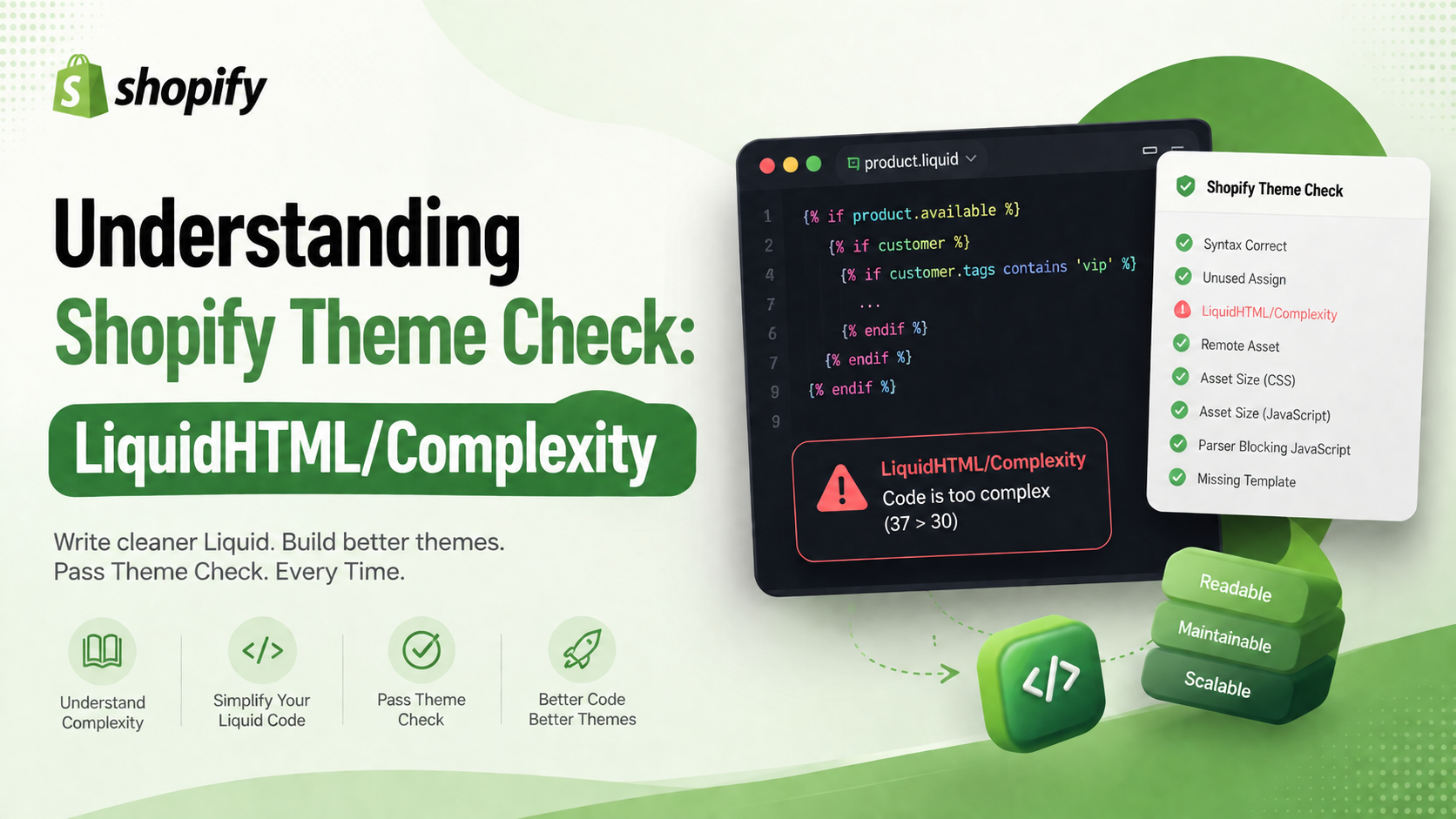
When developing Shopify themes, you've probably encountered a warning like this while running Shopify Theme Check:
LiquidHTML/Complexity Code is too complex (37 > 30)
Although this isn't a compilation or runtime error, it's an important indicator that your Liquid file has become too complex, making it harder to read, maintain, and extend over time.
In this article, we'll cover:
LiquidHTML/Complexity meansWhat is LiquidHTML/Complexity?
LiquidHTML/Complexity is one of the rules provided by Shopify Theme Check. It measures the logical complexity of a .liquid file rather than its length.
Instead of counting lines of code, Theme Check evaluates factors such as:
if, elsif, and unless statementsfor loopscase / when blocksThe more conditional branches and nested structures your file contains, the higher its complexity score becomes.
For example:
{% if product.available %}
  {% if customer %}
    {% if customer.tags contains 'vip' %} ... {% endif %}
  {% endif %}
{% endif %}
This code is considered significantly more complex than:
{% if show_vip_price %}
  ...
{% endif %}
Why Does Shopify Recommend Low Complexity?
Reducing complexity isn't just about satisfying a linter—it directly improves the quality of your theme.
Easier to Read
Simple, well-structured code is much easier for new developers to understand.
Easier to Maintain
When business logic is deeply nested, even a small change can have unintended side effects across multiple conditions.
Fewer Bugs
Highly nested conditional statements are more difficult to test and debug.
Consider a structure like this:
if

  if

    if

      for

        if
Several months later, nobody wants to revisit code like this.
Better Reusability
A file filled with business logic is difficult to reuse elsewhere in your theme.
Smaller, focused snippets are much more flexible.
How Does Theme Check Calculate Complexity?
Shopify doesn't publicly document the exact scoring algorithm, but complexity generally increases with additional:
ifelsifunlessforcasewhenFor example:
{% for block in section.blocks %}
  {% if block.type == 'image' %}
    ...
  {% elsif block.type == 'video' %}
    ...
  {% elsif block.type == 'text' %}
    ...
  {% endif %}
{% endfor %}
This structure produces a higher complexity score than delegating each block type to separate snippets.
Real-World Example
Before
{% for block in section.blocks %}
  {% if block.type == 'image' %}
    ...
  {% elsif block.type == 'video' %}
    ...
  {% elsif block.type == 'product' %}
    {% if product.available %}
      {% if customer %}
        ...
      {% endif %}
    {% endif %}
  {% elsif block.type == 'text' %}
    ...
  {% endif %}
{% endfor %}
Theme Check may report:
LiquidHTML/Complexity
Complexity: 38
Maximum: 30
After
Instead of handling every block in one file:
{% for block in section.blocks %}
  {% render 'block-renderer', block: block, product: product %}
{% endfor %}
Move the logic into a dedicated snippet:
{% case block.type %}
  {% when 'image' %}
    {% render 'block-image', block: block %}
  {% when 'video' %}
    {% render 'block-video', block: block %}
  {% when 'product' %}
    {% render 'block-product', block: block, product: product %}
  {% when 'text' %}
    {% render 'block-text', block: block %}
{% endcase %}
Now each file has a single responsibility, making the codebase easier to understand and maintain.
Best Practices to Reduce LiquidHTML/Complexity
1. Break Large Files into Snippets
Instead of writing everything inside one section:
{% if block.type == 'image' %}
  ...
{% elsif block.type == 'video' %}
  ...
{% elsif block.type == 'product' %}
  ...
Extract each responsibility into its own snippet:
{% render 'block-image' %}This keeps your section files clean and focused.
2. Prefer case Over Multiple elsif
Instead of:
{% if type == 'a' %}
  ...
{% elsif type == 'b' %}
  ...
{% elsif type == 'c' %}
  ...
{% endif %}
Use:
{% case type %}
  {% when 'a' %}
    ...
  {% when 'b' %}
    ...
  {% when 'c' %}
    ...
{% endcase %}
case statements are generally easier to read and maintain.
3. Simplify Complex Conditions
Avoid long conditional expressions:
{% if customer and product.available and settings.show_price %}Instead, assign the result to a variable:
{% assign can_show_price = customer and product.available and settings.show_price %}Then simply write:
{% if can_show_price %}This improves readability and keeps conditions concise.
4. Reduce Nested Logic
Deep nesting is one of the biggest contributors to complexity.
Instead of:
if
  if
    if
      if
Consider exiting early whenever possible:
{% unless product.available %} {% break %} {% endunless %}Or invert the condition:
{% if product.available == false %}Flattening your logic makes the code much easier to follow.
5. Give Every File a Single Responsibility
If a single section is responsible for:
it's probably doing too much.
Instead, split each feature into dedicated snippets or components.
Following the Single Responsibility Principle (SRP) leads to cleaner, more maintainable themes.
Should You Ignore This Warning?
Technically, yes.
LiquidHTML/Complexity is a linting warning—it won't prevent your theme from compiling or functioning correctly.
However, if your project:
then keeping complexity low is highly recommended.
Cleaner code reduces maintenance costs and makes future development significantly easier.
Conclusion
LiquidHTML/Complexity isn't about limiting your creativity as a developer—it's about encouraging cleaner, more maintainable Shopify themes.
Rather than placing every piece of business logic inside a single Liquid file, break your code into reusable snippets, leverage render, use case statements where appropriate, simplify conditions with assign, and avoid deeply nested logic.
By following these practices, your theme will become:
Ultimately, reducing complexity doesn't just make Theme Check happier—it makes your entire development team more productive.